operate
Agent Ops — 93 Governed GitHub Tools
Your AI Reads Repos, PRs, And Workflows Under Your Token — Changes Wait For Your Approval.
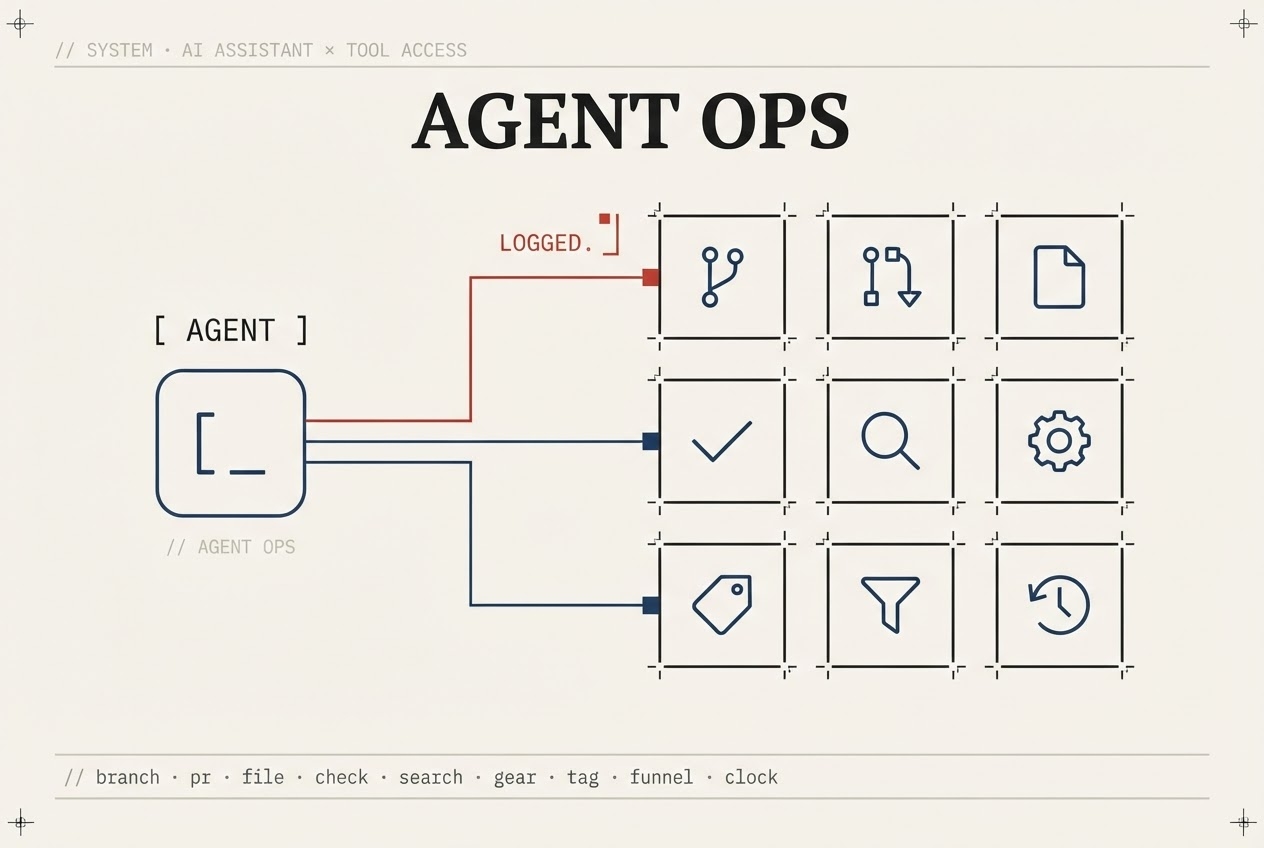
What you get
Reads Under Your Token, Changes Under Your Approval
Read-only tools run under the GitHub connection of the person who asks. A tool that changes a repository never runs when it is asked for: it files a request, and only after an owner or admin approves it does it run — under your organization's ZipLoom GitHub App, not anyone's personal token. Every run, request, approval and rejection is written to your audit log, argument names only, never their contents.
Changes Are Requests Until A Person Approves
Opening a pull request, pushing a file, merging, deleting a branch: each one waits in an approval queue and expires after 24 hours if nobody acts. Destructive tools also make the approver type the tool's name. The person who filed a request can't approve it, unless they are the organization's only owner or admin.
Scoped To The Repos You Connect
Agent Ops only works on repositories that are projects in your ZipLoom organization. A call aimed at any other repository is refused, and so is any tool that acts on your whole GitHub account. Disconnecting your GitHub connection stops your reads; uninstalling the ZipLoom GitHub App stops every approved change.
How Agent Ops Works
- 1
Your AI assistant connects over MCP with a ZipLoom API key, or you call a tool from the dashboard.
- 2
Read-only tools (repos, PRs, workflows, advisories) run under the GitHub connection of the person asking — for MCP, the person who created the key.
- 3
A tool that changes a repository files a request instead of running. An owner or admin approves or rejects it in the dashboard.
- 4
An approved change runs under your organization's GitHub App, and the request, the approval and the result are recorded to your audit trail.
What this check inspects
Which repositories the tools can reach — the ones connected to your organization, not the whole account.
What each of the 93 tools can do, and which of them only read and which can change a repository.
Every tool run, and every change requested, approved or rejected, in the audit log.
Whether each credential is still needed: your GitHub connection for reads, the GitHub App for approved changes, the API key for MCP.
What it means when this fails
Giving an AI agent write access to your repositories is a real risk if nothing stands between the agent and the change. Here a change is only a request until a person approves it, the scope is the repositories you connected, and every step is on the audit trail — so the blast radius is known in advance and there are named places to cut access.
Questions
- What can the agent actually do?
- The tools cover reading, branching, committing, pull requests, issues, and CI. Reads run straight away. Anything that changes a repository waits for an owner or admin to approve it. All of it is limited to the repositories connected to your ZipLoom organization.
- How do I revoke access?
- There are three credentials and each has its own off switch. Reads stop when the GitHub connection of the person asking is removed. Approved changes stop when the ZipLoom GitHub App is uninstalled or suspended on your GitHub account. An MCP agent stops when its API key is revoked in Settings.
- Which agents can use it?
- Any MCP client that can send a bearer key, including Claude Code, Codex and Cursor. Over MCP an agent can read, and can file requests for non-destructive changes. It cannot run a change itself, and destructive or sensitive tools (deletes, removals, merging, access, secrets, changes under .github/) are dashboard-only.
Related features