Platform capabilities
You Can't Review Code
You Didn't Write.
That is the honest position most people are in now. The AI wrote it, it runs, the tests pass — and somewhere in there is a table without row-level security, a key in a config file, or a dependency with a known CVE. You would catch it if you had written it line by line. You didn't.
Every capability on this page exists to answer one question before your users do: is this actually safe to put on the internet? Six checks run on every deploy, in the same order, before a single visitor sees it.
Security
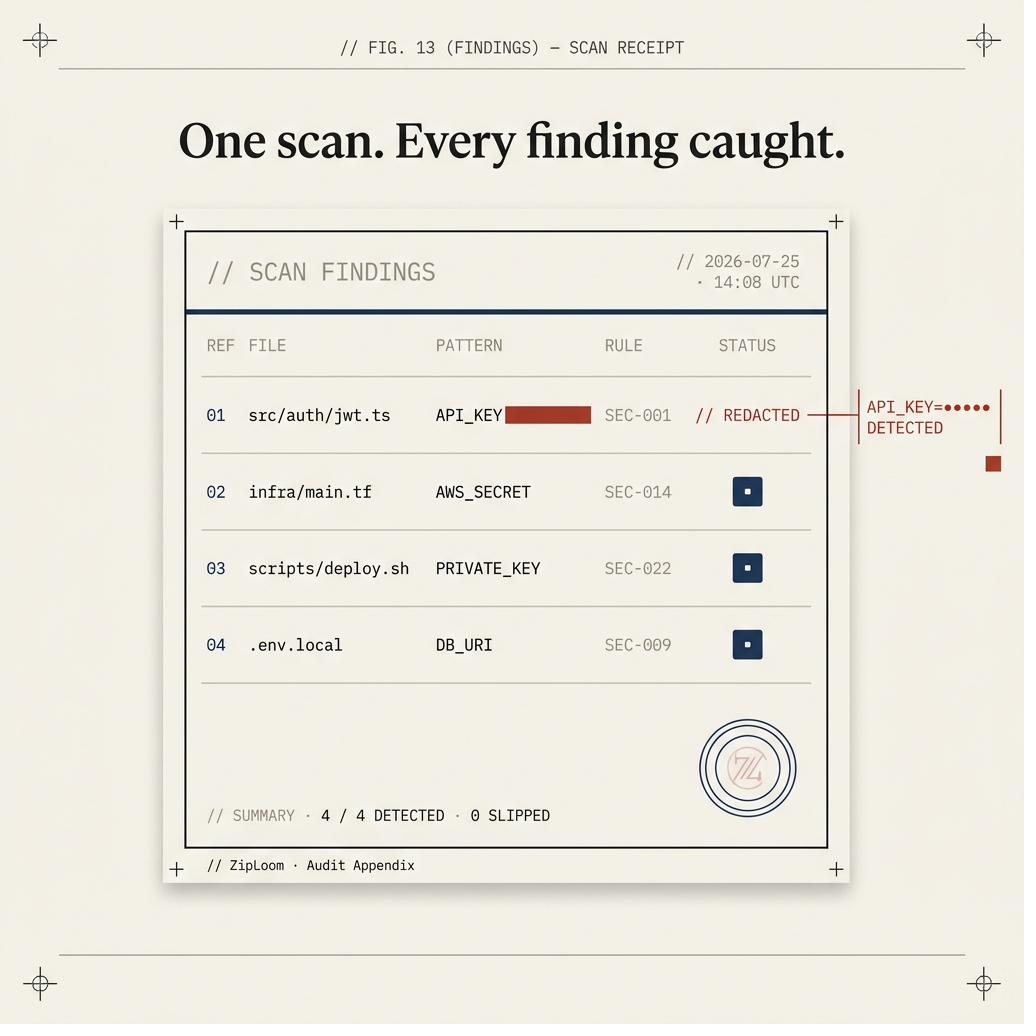
Security Scan on Every Deploy
Catch RLS gaps, secret leaks, and CVEs before your app is reachable.
Row-level security enforcement
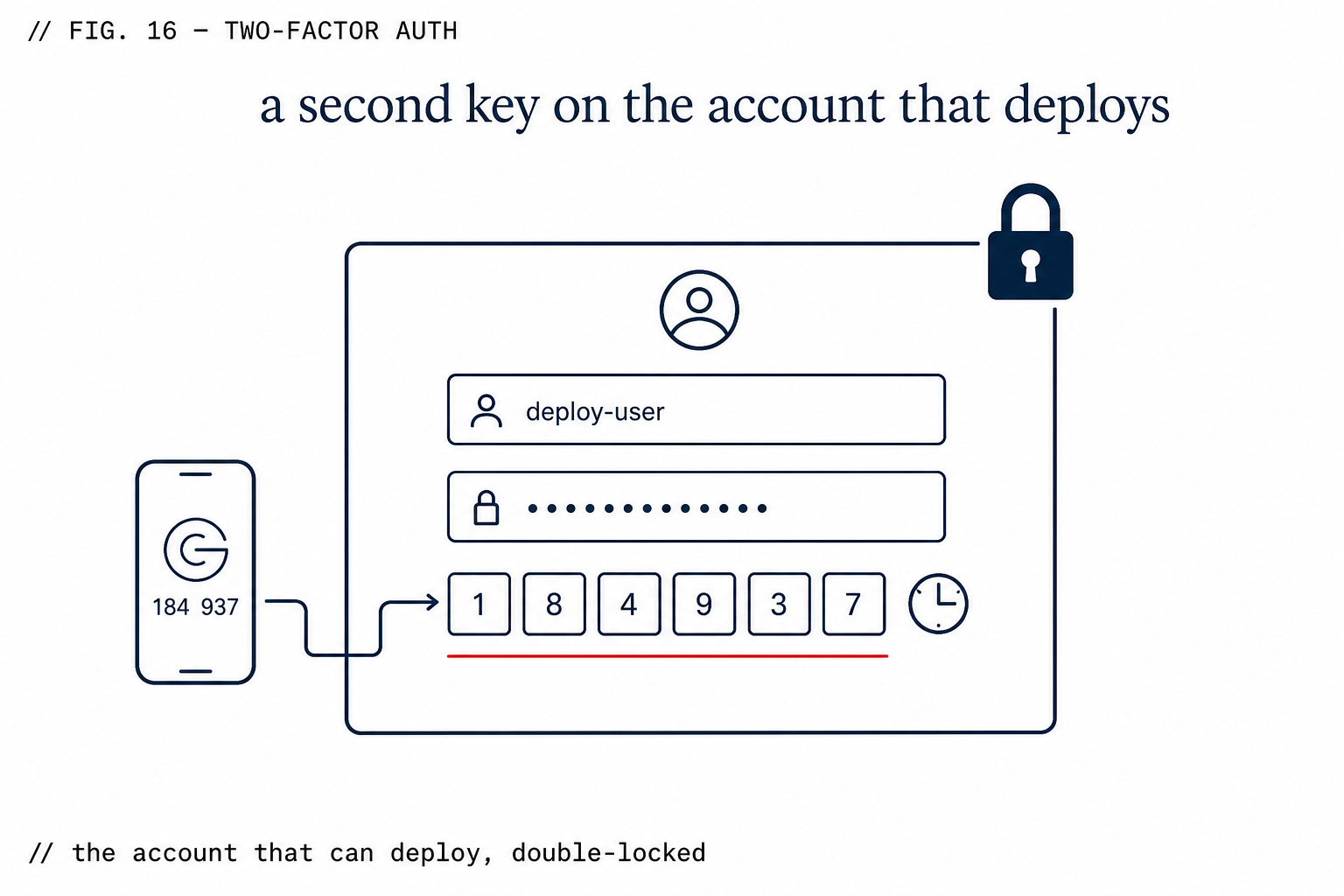
Two-Factor Authentication
TOTP 2FA on every sign-in, before your code security even runs.
Works with any authenticator app
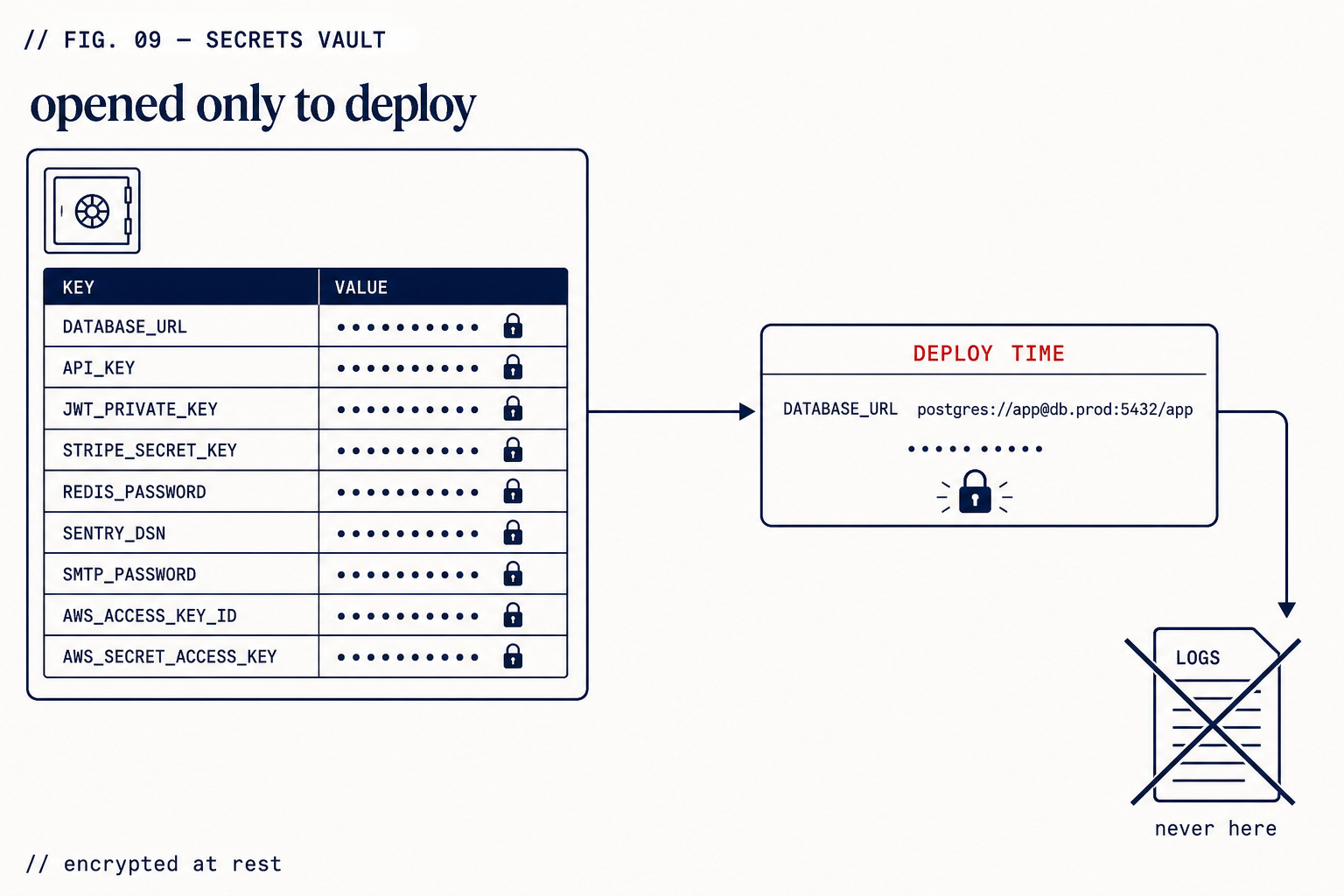
AES-256-GCM Secrets Vault
Env vars encrypted at rest — decrypted only at deploy time, never in logs.
AES-256-GCM encryption at rest
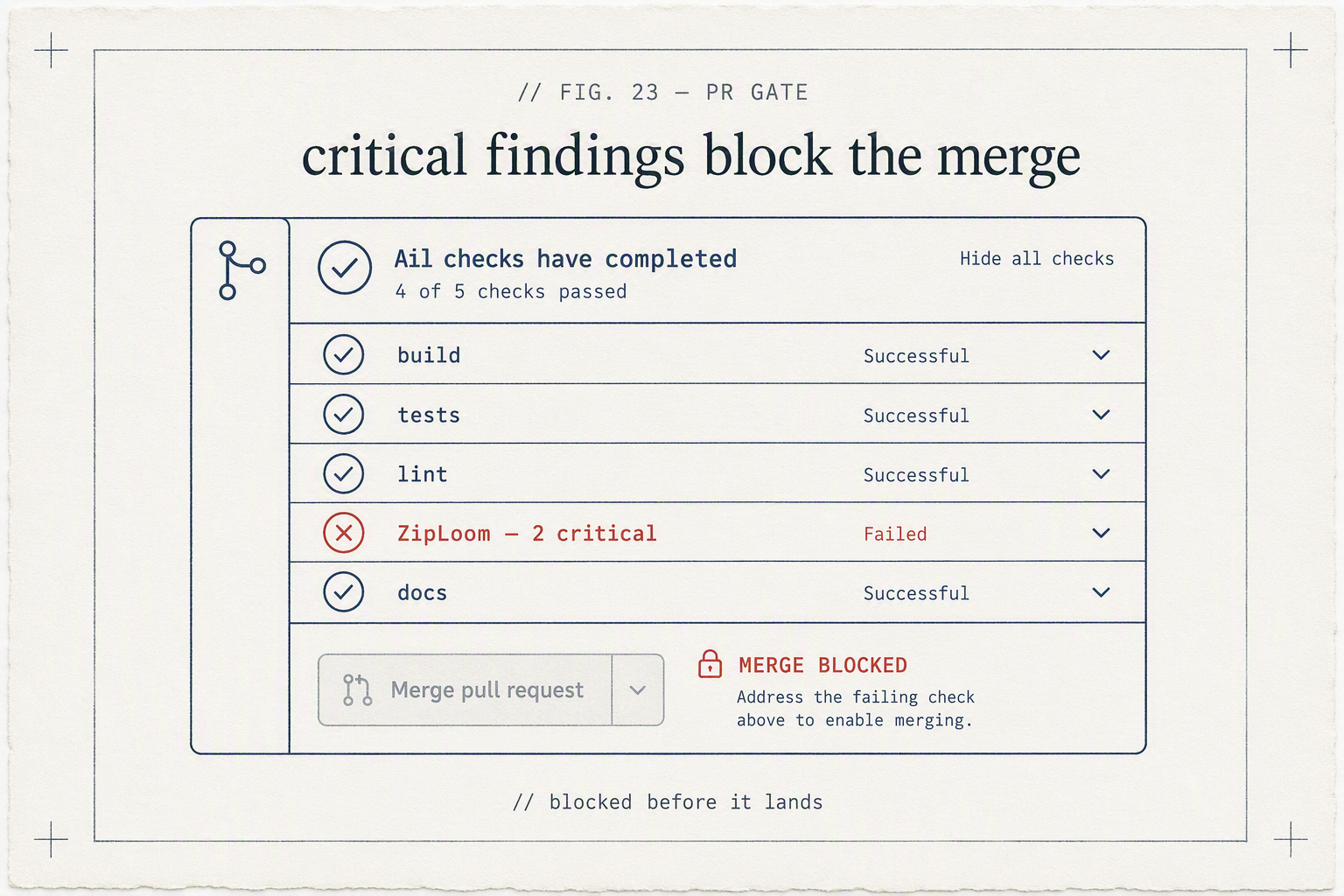
GitHub Actions Integration
ziploom/scan-action gates every merge — security in the pipeline, not just at deploy.
Shift-left security
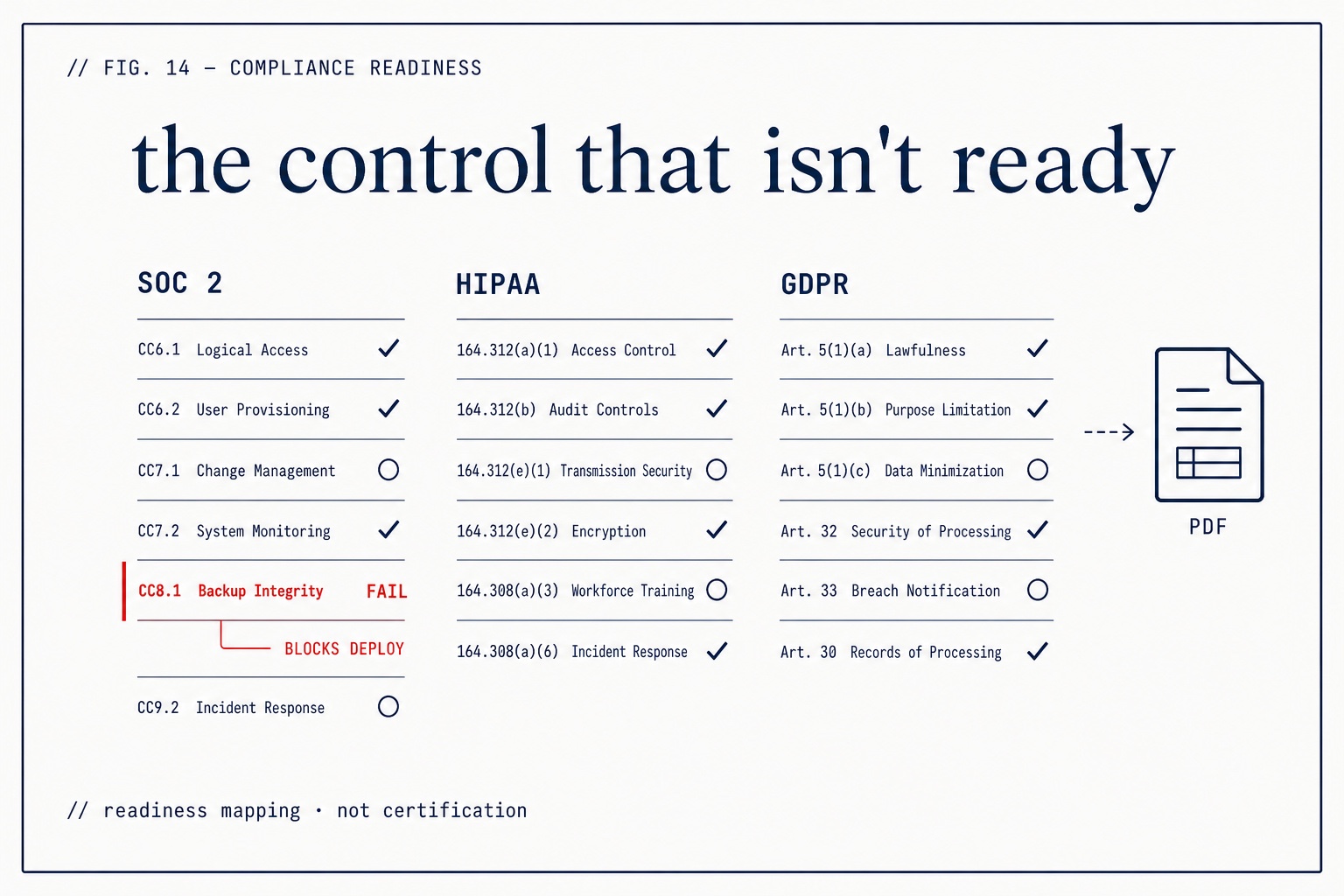
Compliance Readiness Mapping
SOC 2, HIPAA, and GDPR controls mapped to your deploy — with a PDF export.
Three frameworks, mapped to your deploy
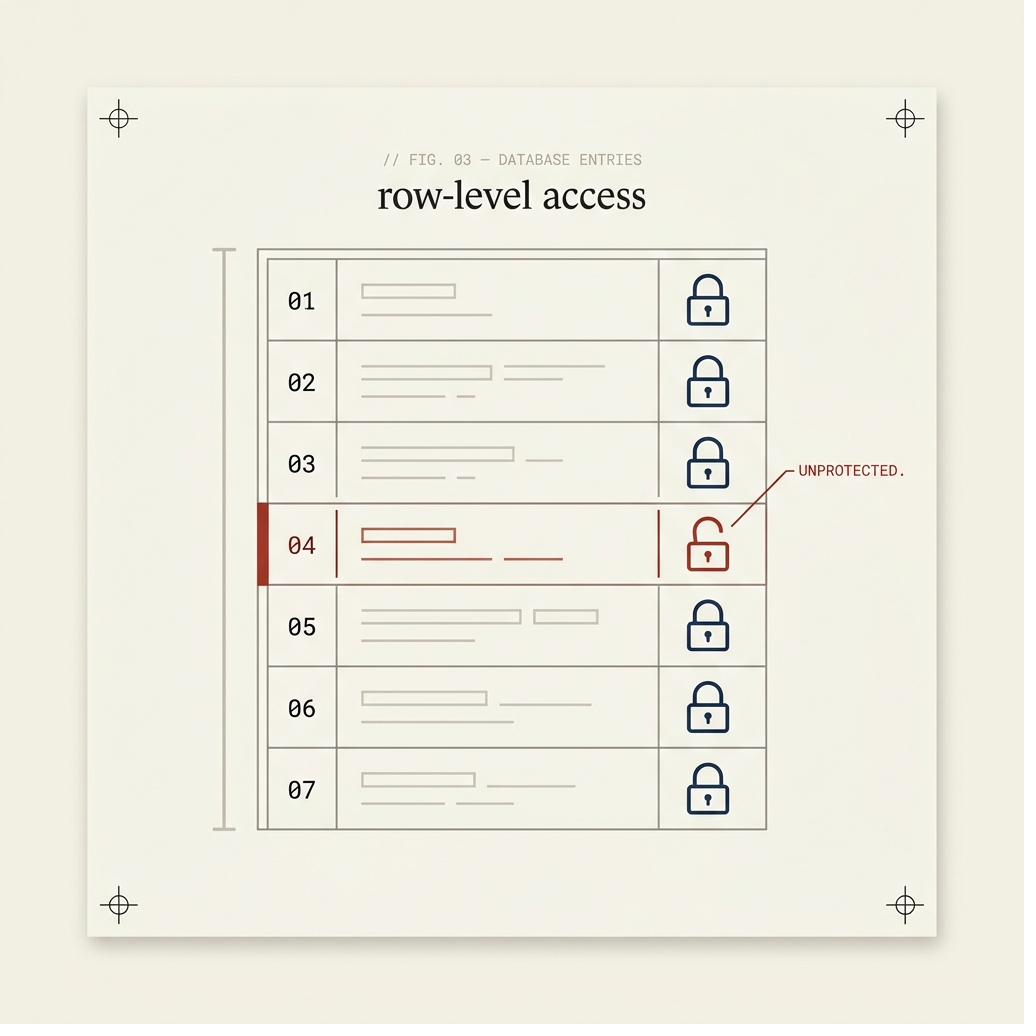
Lockdown Check — Row-Level Security
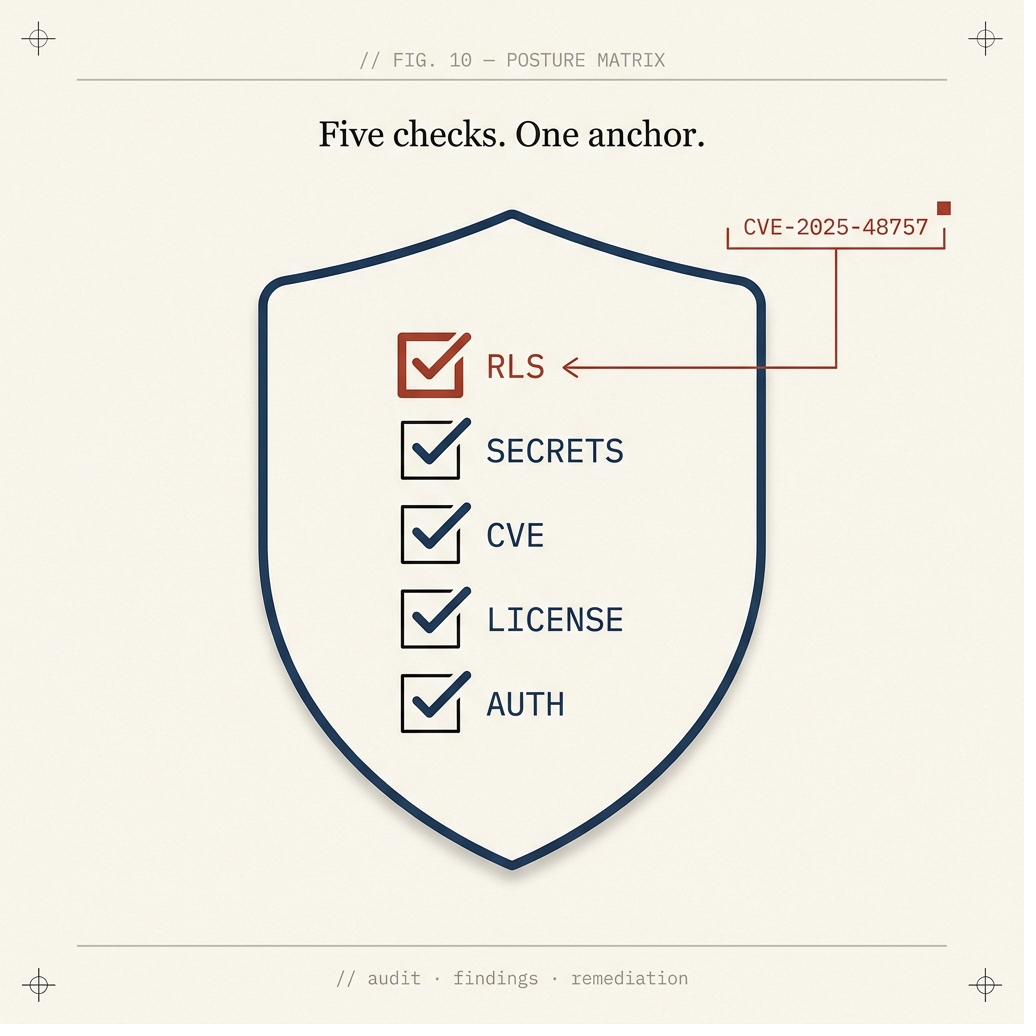
The RLS check whose absence caused CVE-2025-48757 — it fires before build.
Fires before build
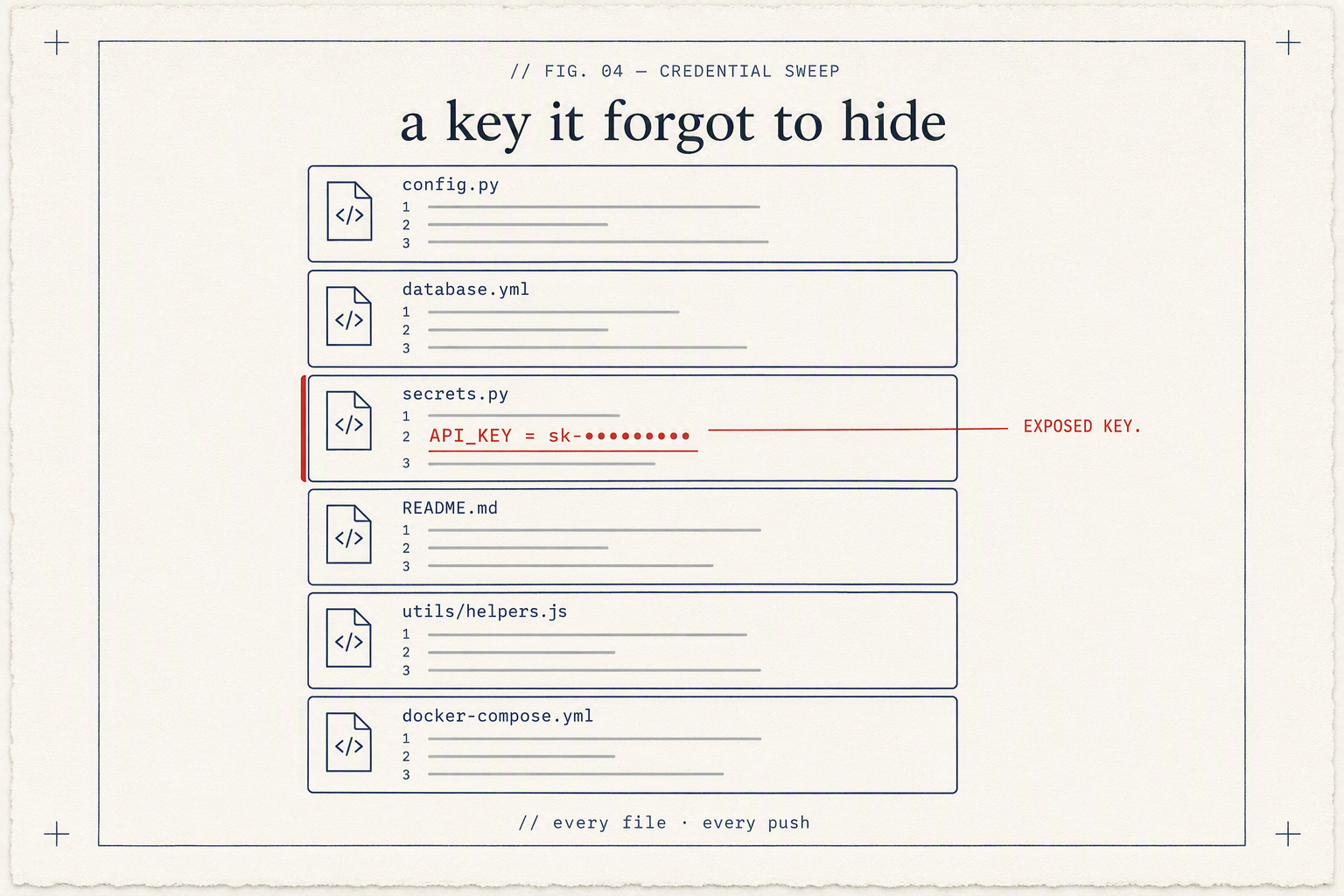
Secrets Detection on Every Push
Every file, every push — API keys and tokens your AI tool left in the code.
Every file, every push
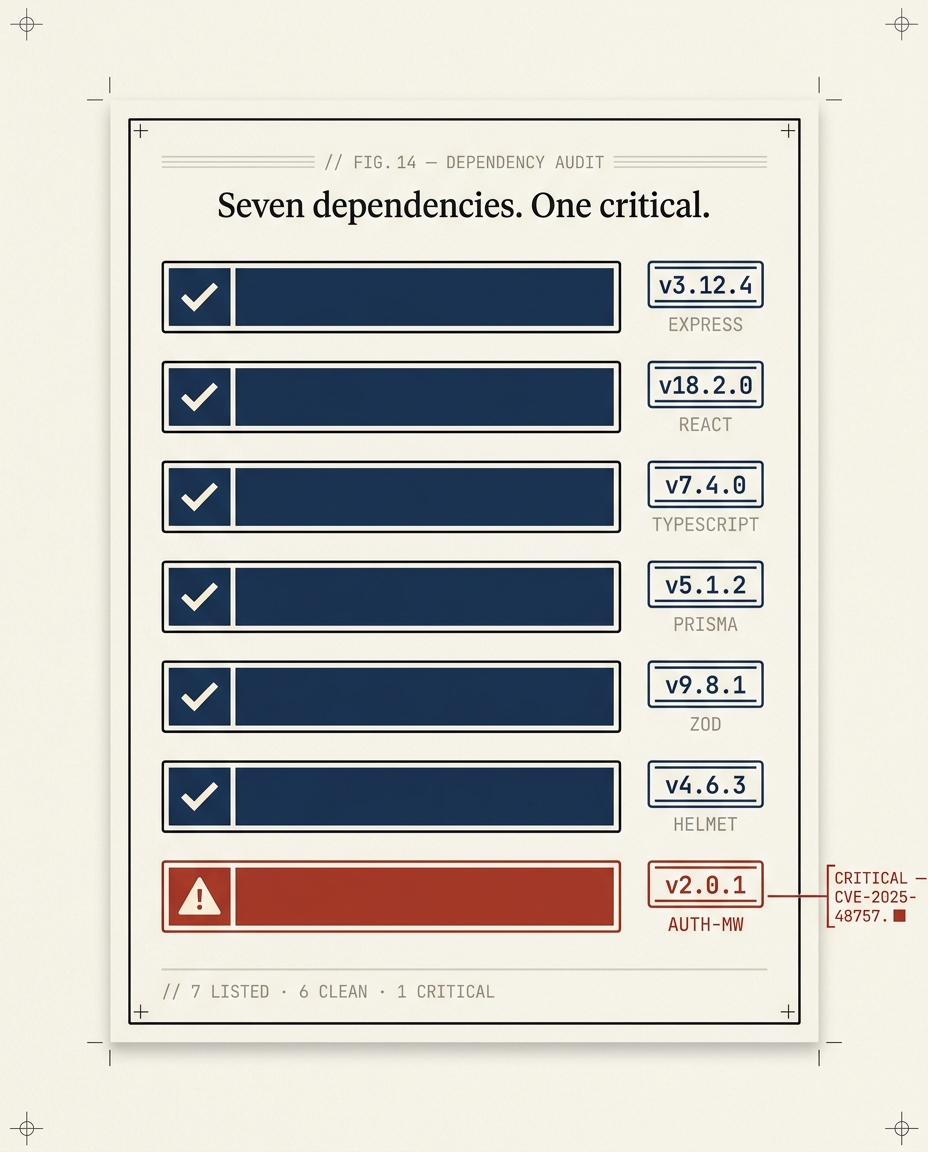
Vulnerable Dependency Audit
Every dependency against the National Vulnerability Database — critical and high, flagged.
Checked against the NVD
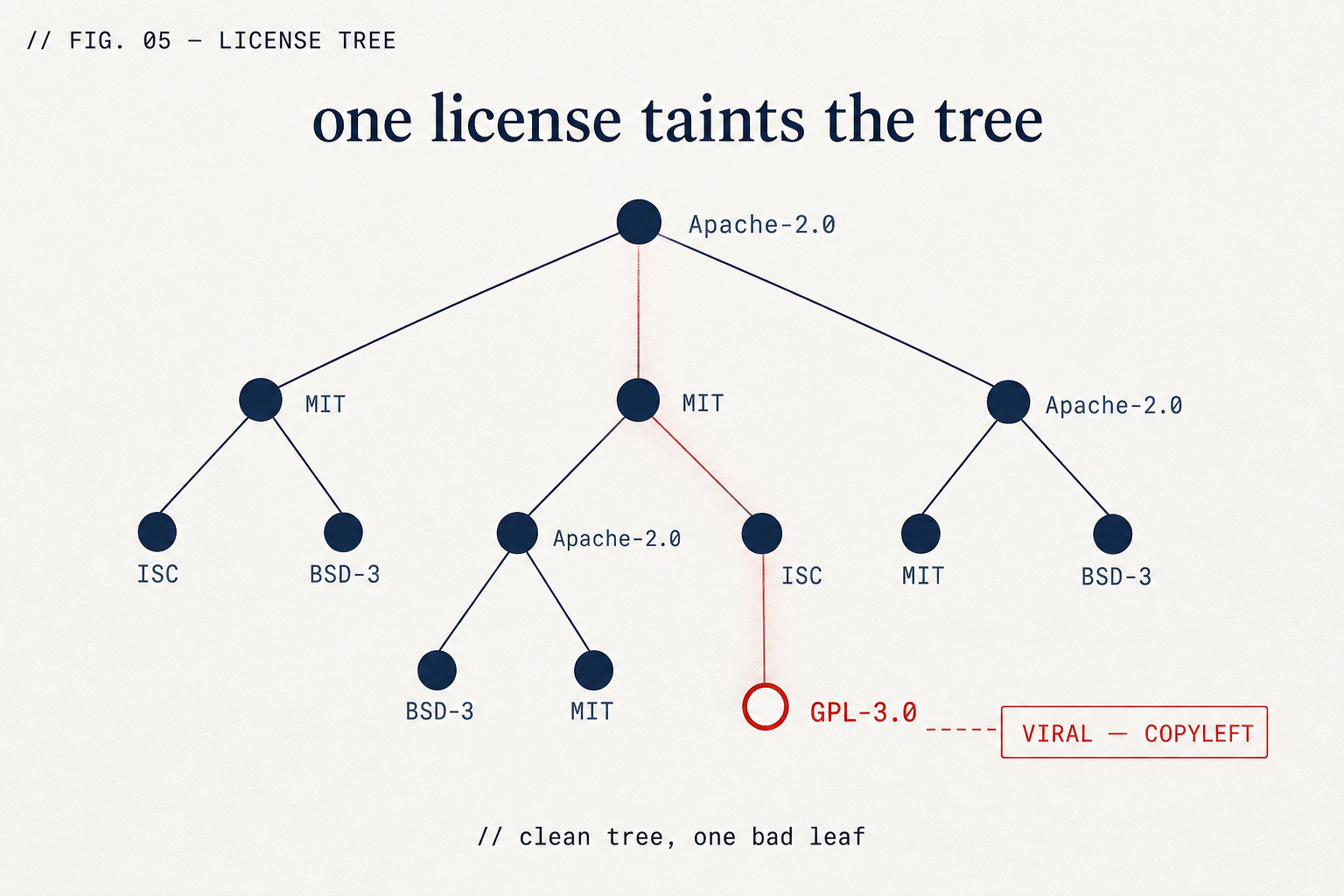
License Compliance Guard
Flags GPL, AGPL and other copyleft licenses before they force your source open.
Copyleft, caught early
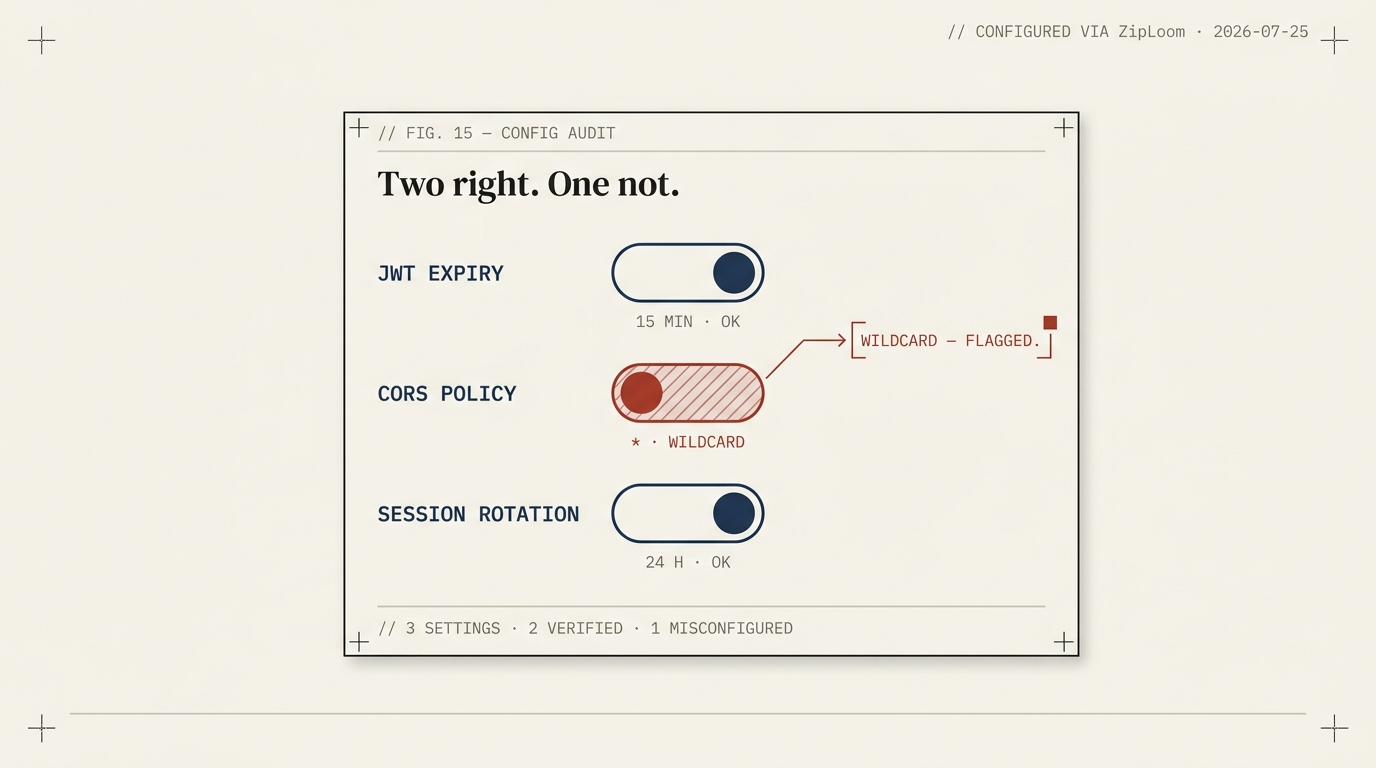
Auth Configuration Audit
JWT expiry, CORS policy, session rotation — the class of bug behind the Moltbook breach.
The config attackers exploit
Deploy
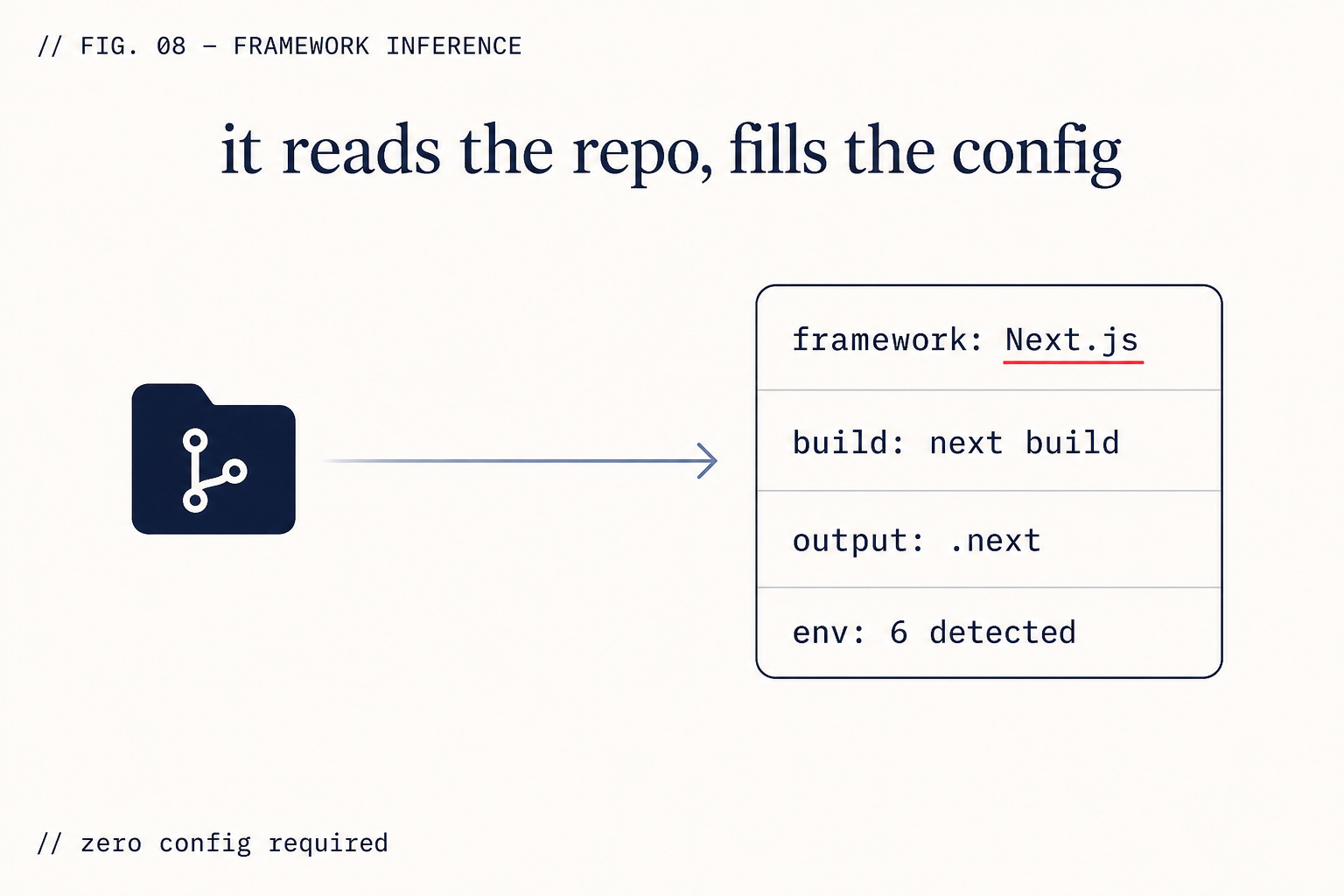
Deploy to 8 Platforms, Zero Config
Managed platforms or your own VPS — framework auto-detected, scanned first.
Framework auto-detection
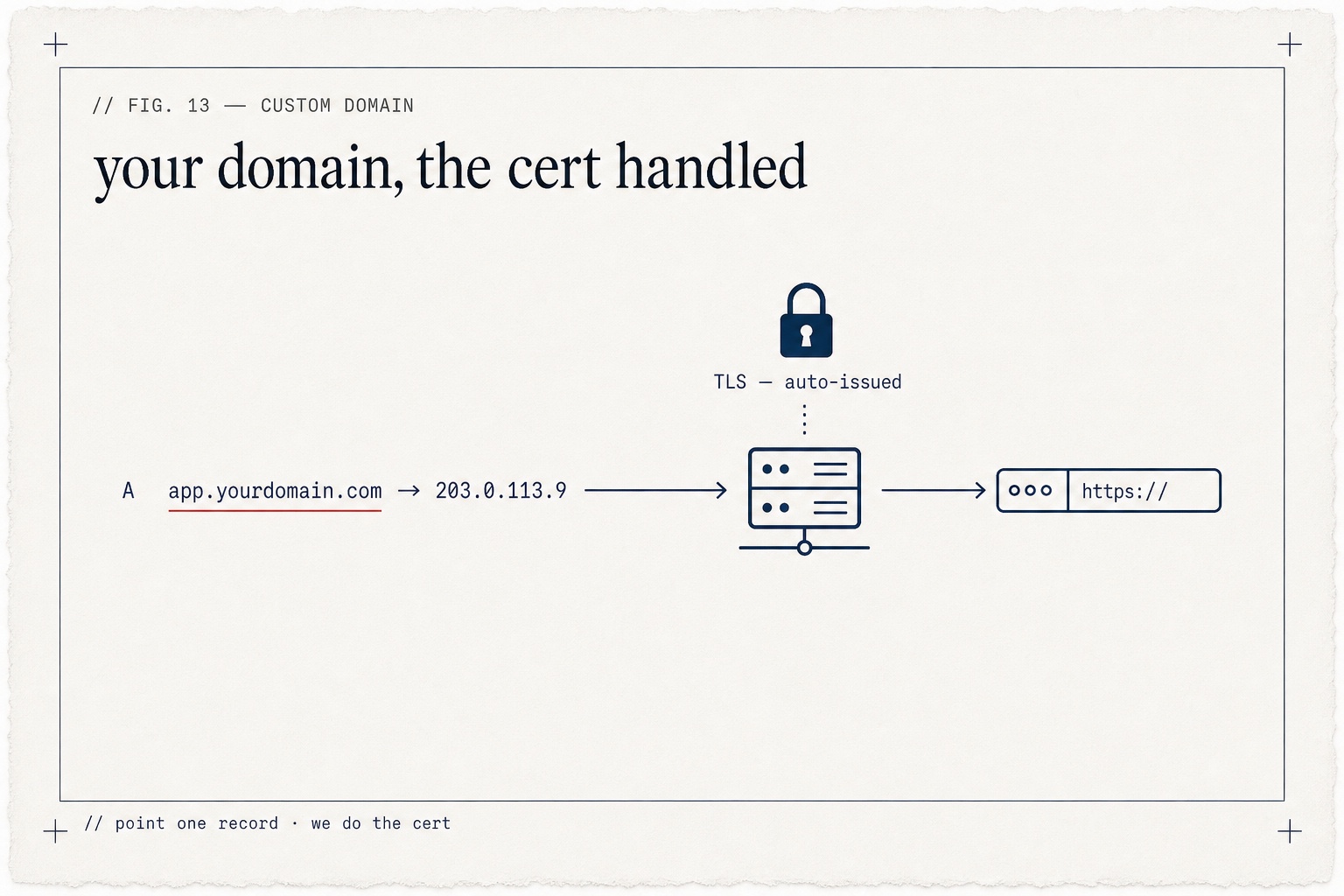
Deploy Under Your Own Domain
Point your domain at a deploy — automatic HTTPS, no cert wrangling.
Automatic HTTPS
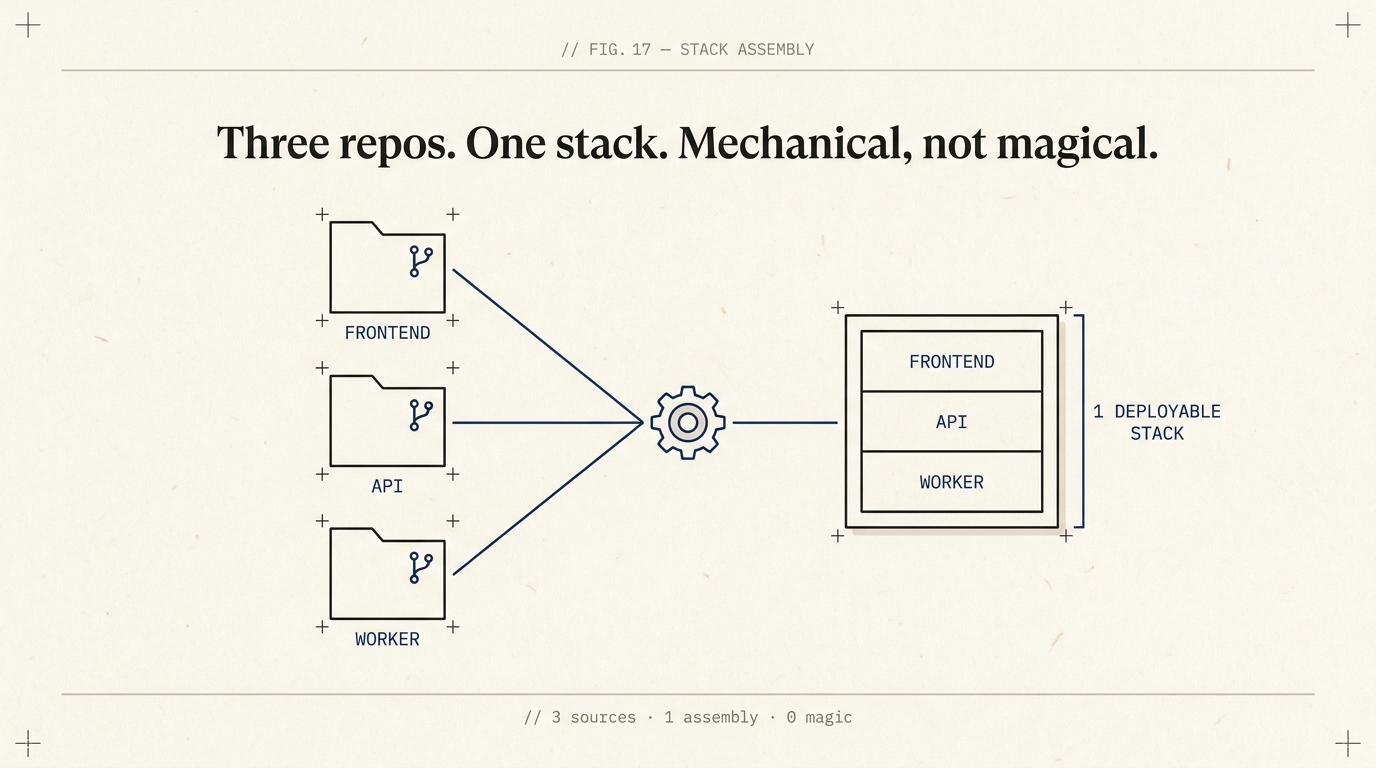
AI Stack Composer
Point it at more than one repo — the AI composes them into a single deployable stack.
Many repos, one stack
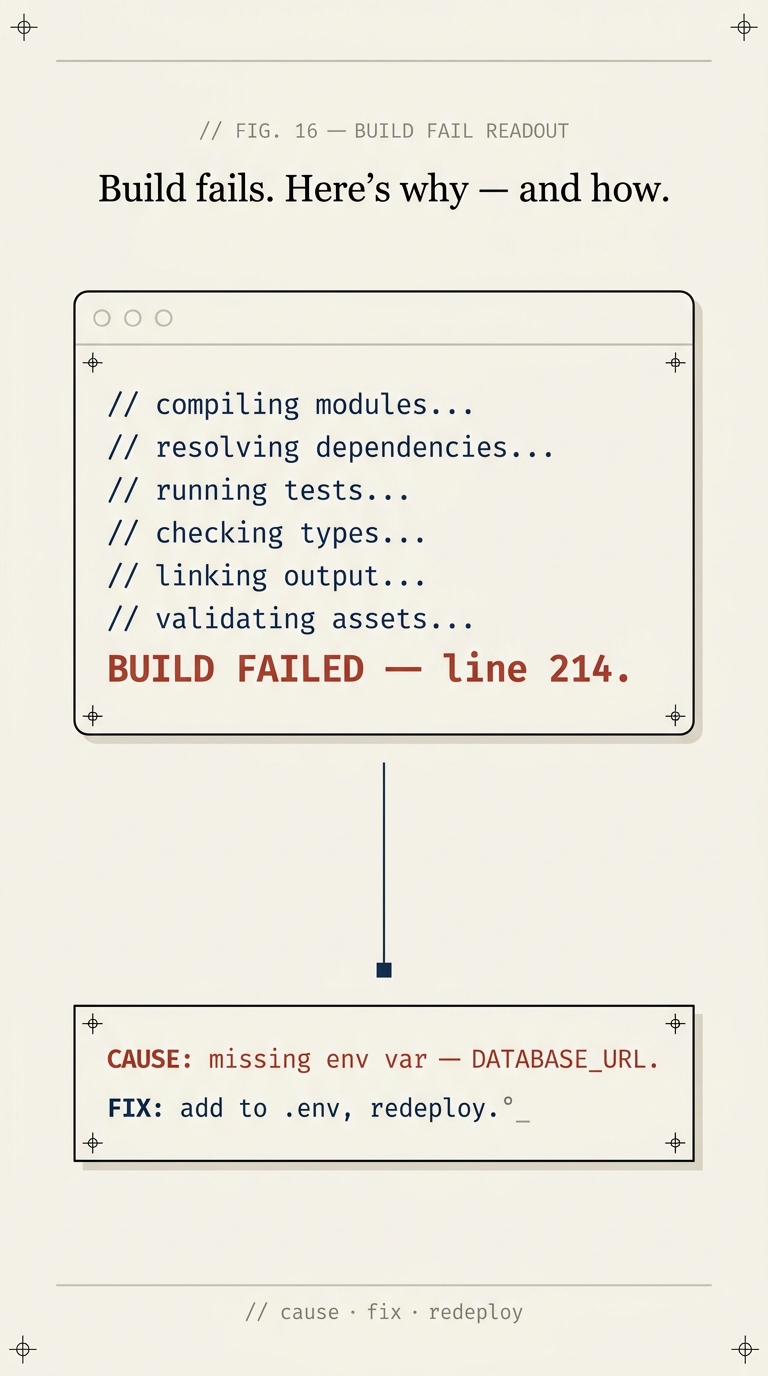
AI Build Failure Diagnosis
When a build fails, ZipLoom names the actual cause and hands you the fix in plain English.
The actual cause, named
Operate
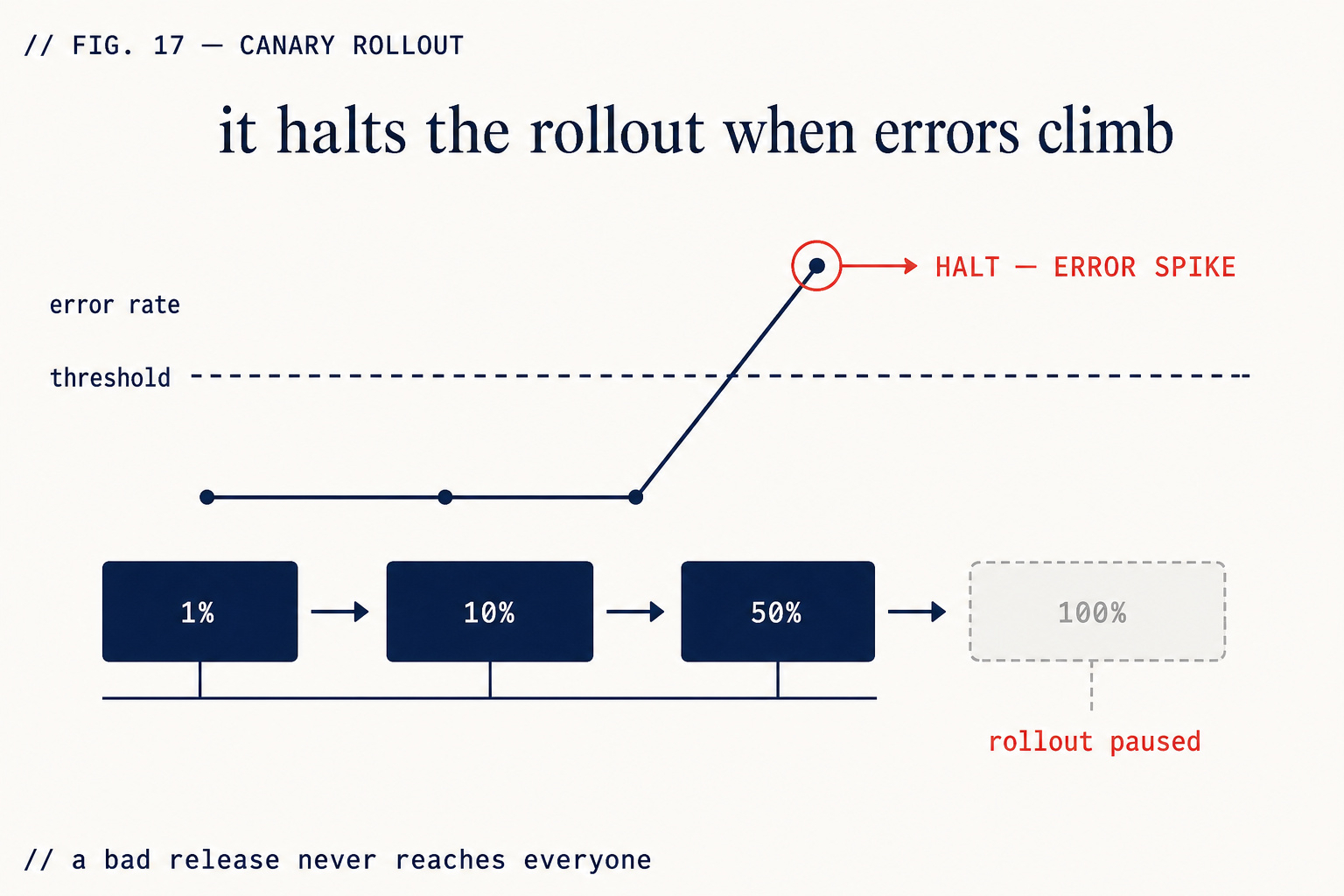
Staged / Canary Rollout
1% → 10% → 50% → 100% with an automatic error gate.
Automatic error gate
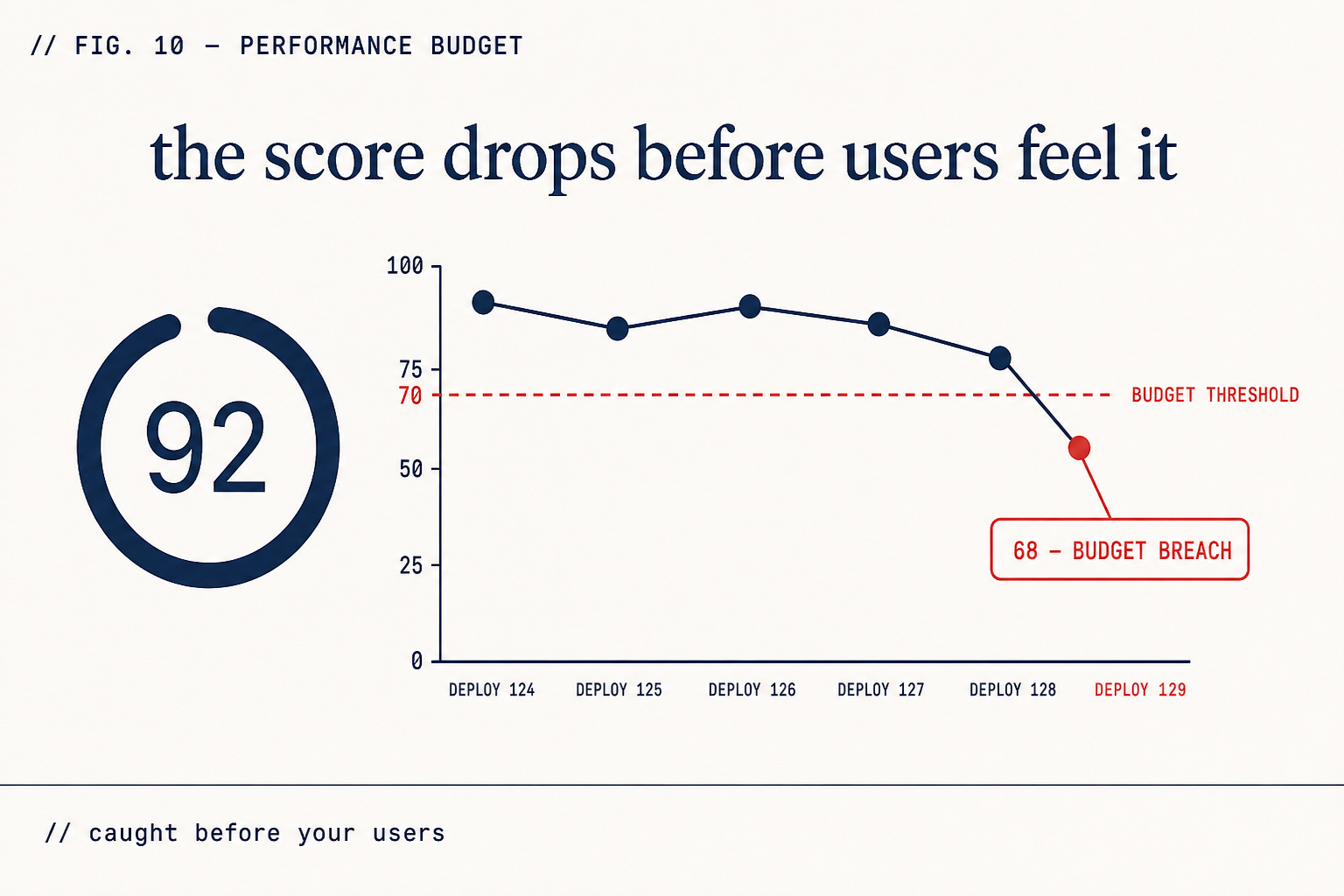
Performance Budget Enforcer
Lighthouse CI after every deploy. Regressions visible before users report them.
Scores after every deploy
Live Posture Scan on Your Deployed URL
External header, TLS, cookie, and DNS checks against the running site.
Checks the running system, not just the code
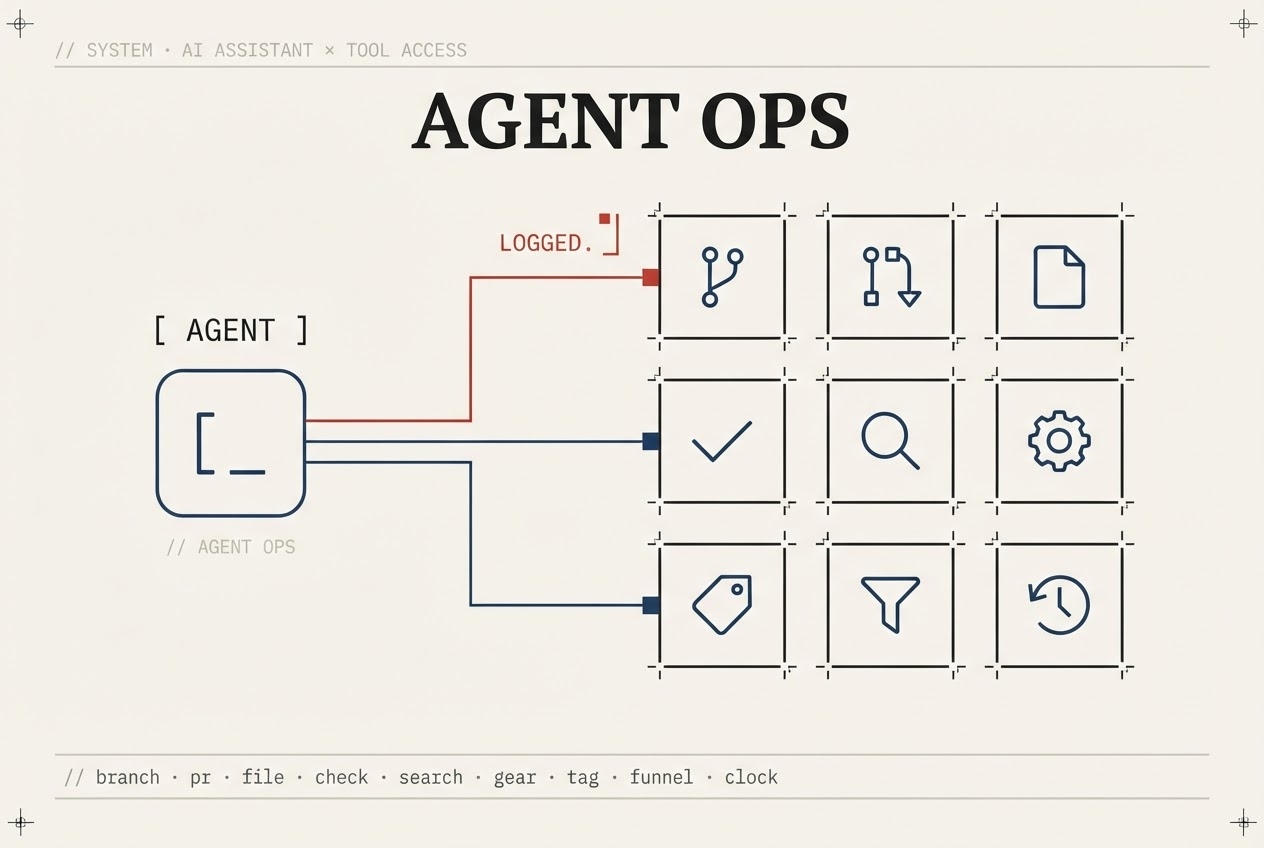
Agent Ops — 93 Governed GitHub Tools
Your AI reads repos, PRs, and workflows under your token — every call logged.
Under your credentials, on your audit trail
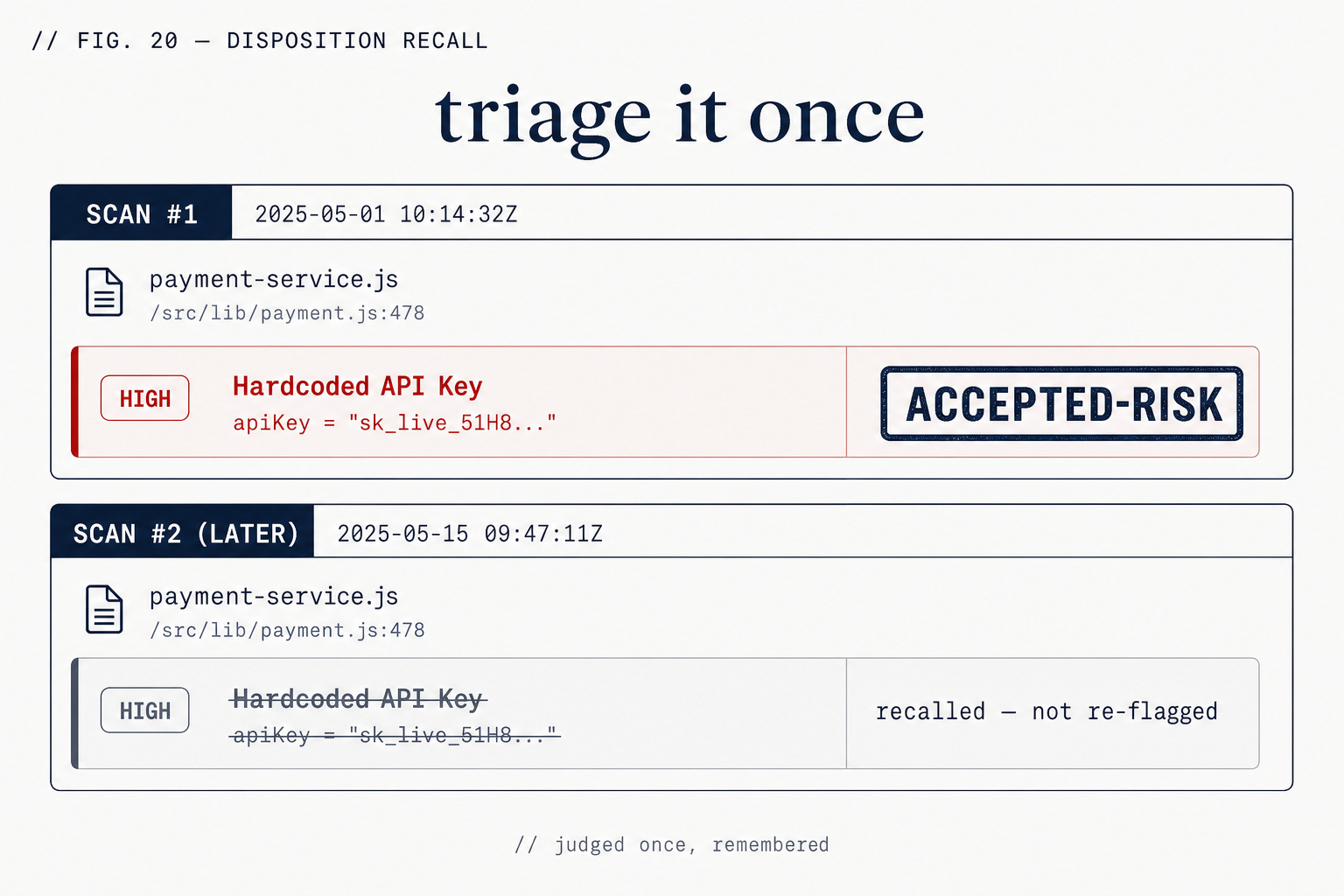
Finding Memory — Triage Once
Accept, dismiss, or fix a finding once — the Brain stops re-flagging it.
Your judgement is remembered
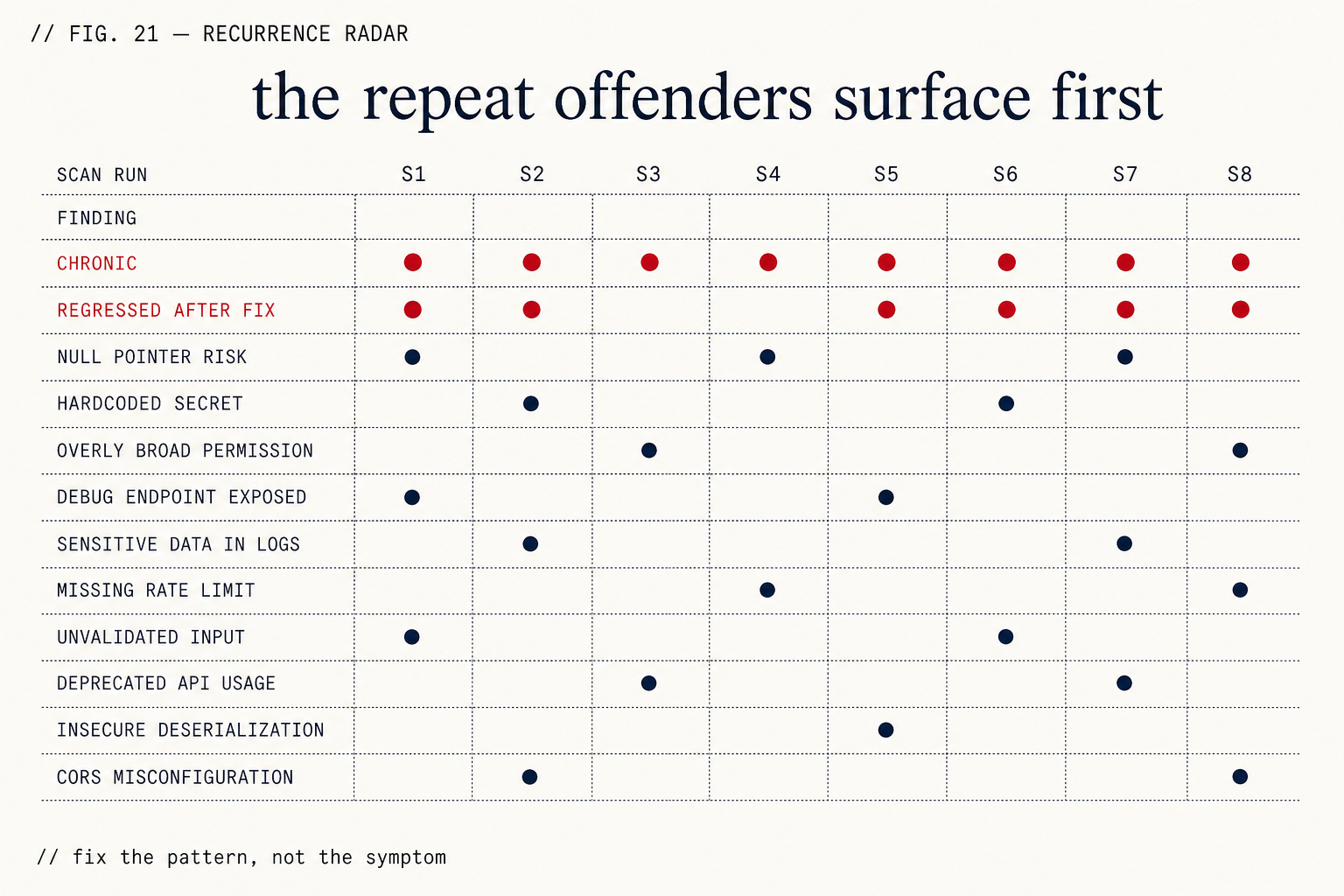
Recurrence Radar — Repeat Offenders First
What keeps coming back, what regressed after a fix, what's chronic.
History per finding
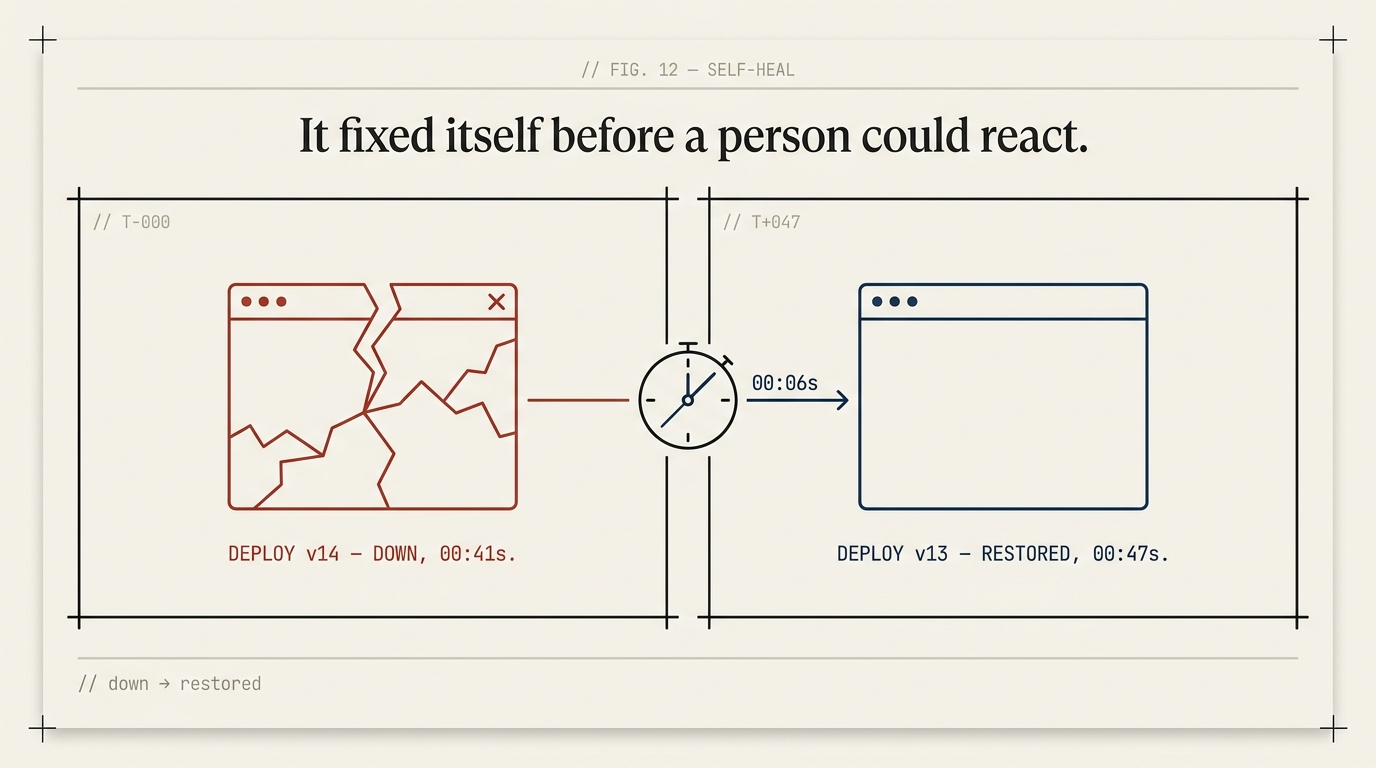
Self-Healing Deploys
Checks every 15 minutes — goes dark, the last good deploy is restored automatically.
Caught by a monitor, not a customer
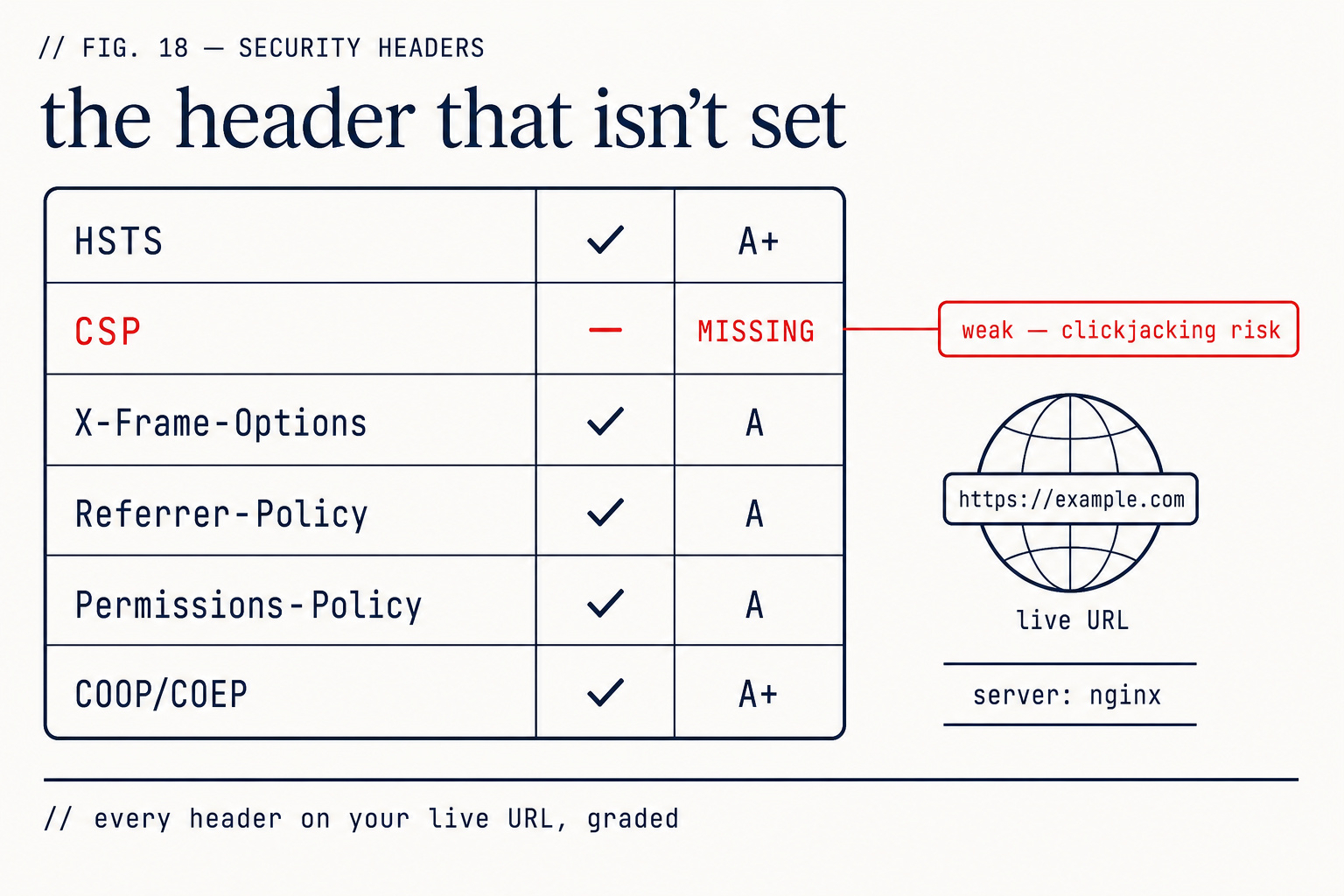
Security Header Audit
Every security header on your live URL, graded — HSTS, CSP, cookie flags, WAF fingerprint.
Every header, graded
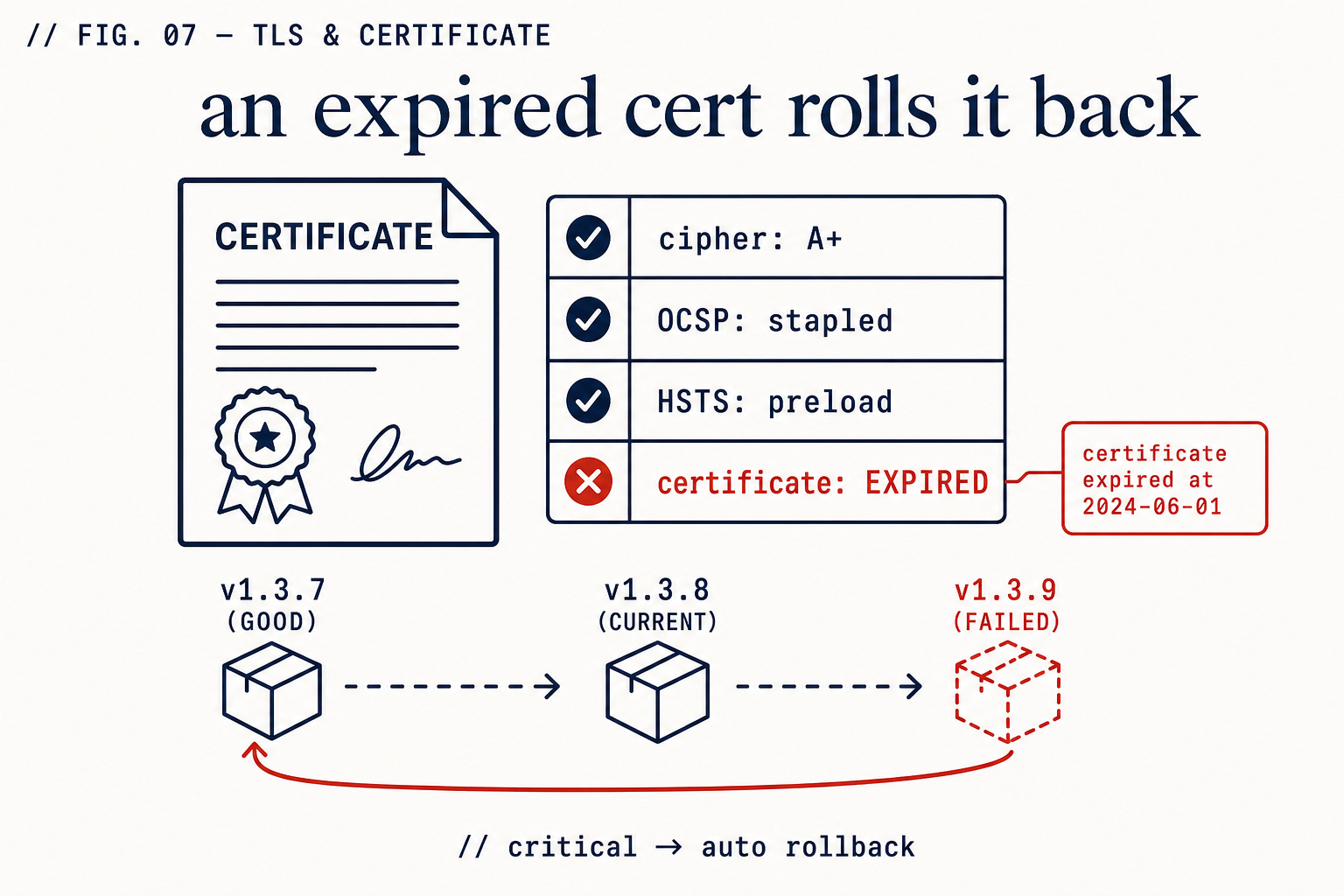
TLS & Certificate Monitoring
Cipher grade, cert expiry, OCSP, HSTS-preload — an expired cert rolls the release back.
The whole TLS picture
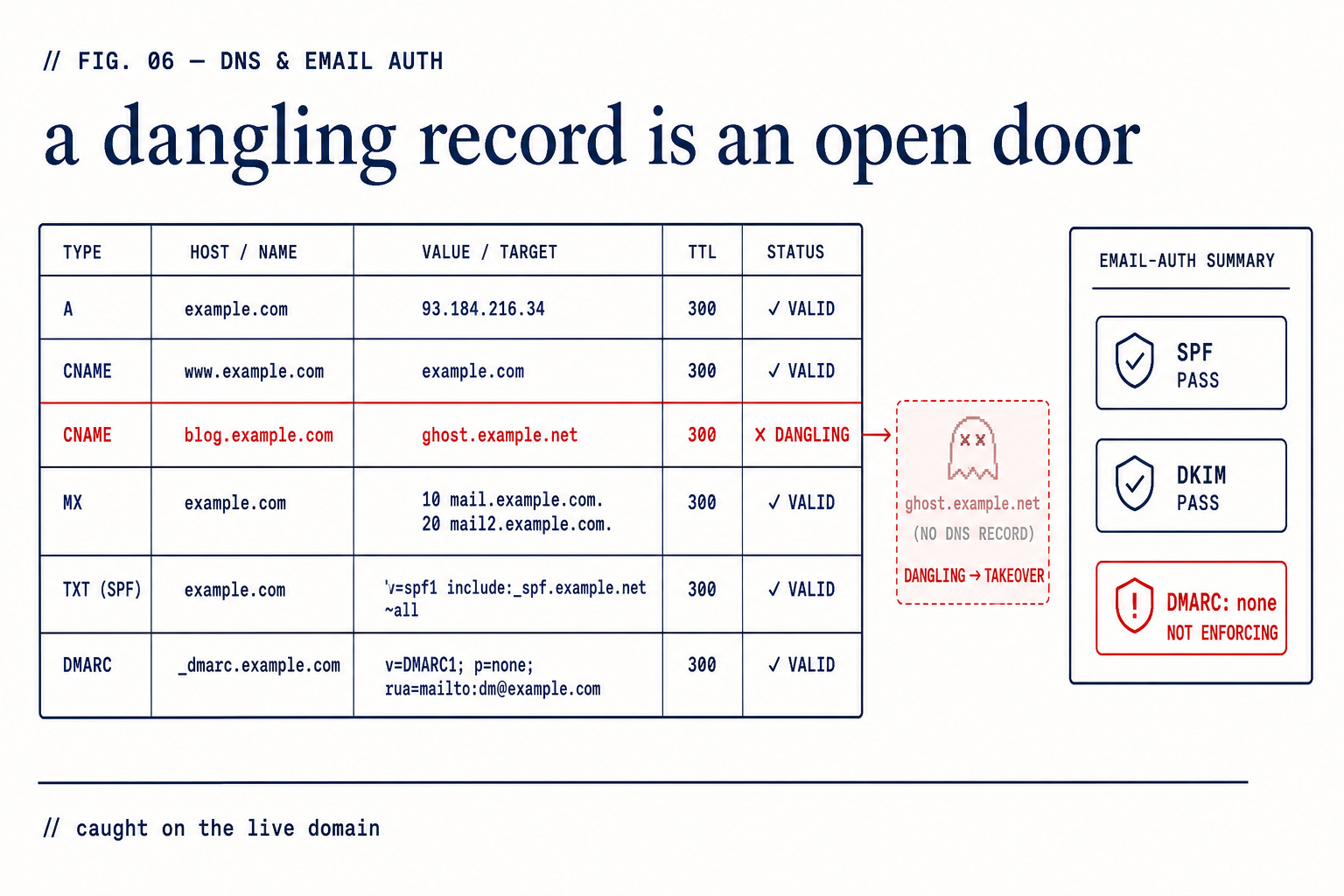
DNS, Email Auth & Takeover Guard
DNSSEC, CAA, SPF/DKIM/DMARC — and dangling records that let someone claim your subdomain.
DNS and email auth, on the live domain
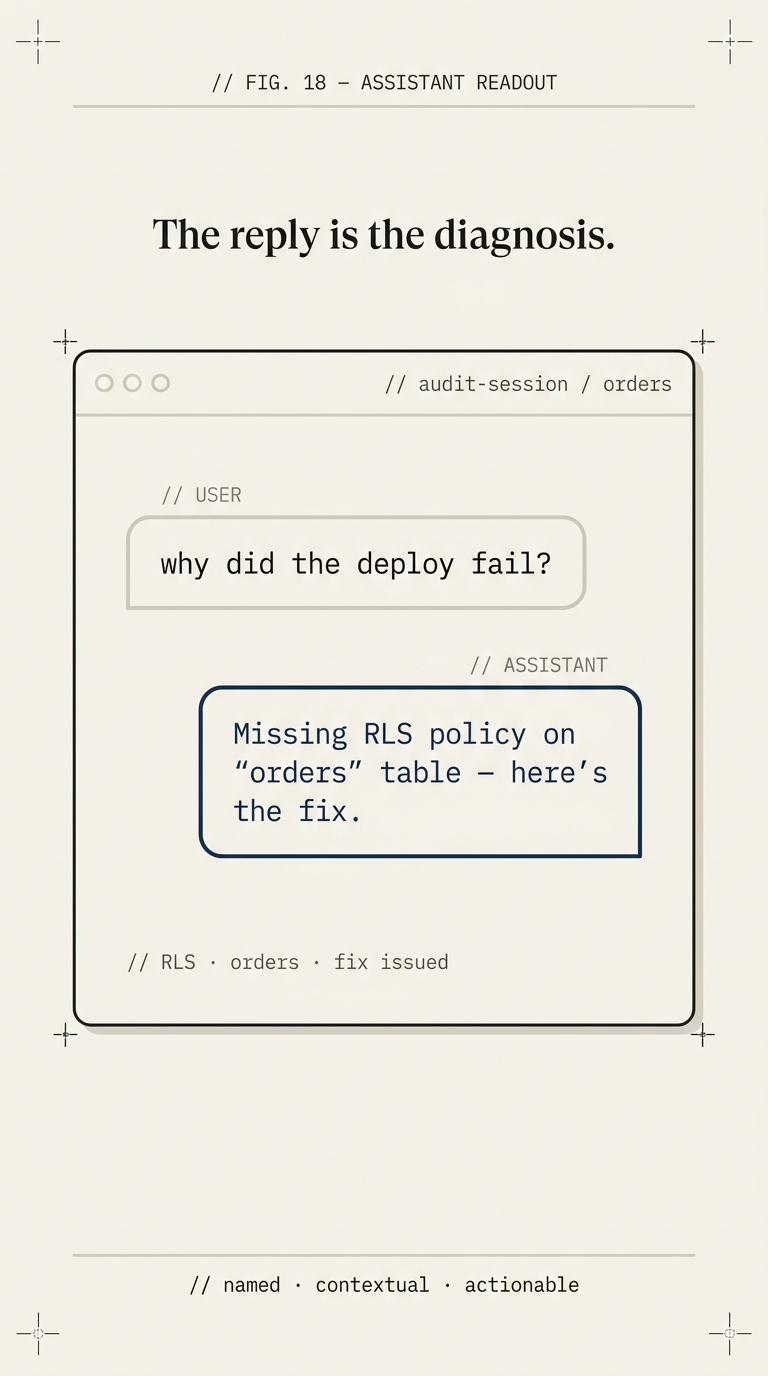
In-App Debug Copilot
A debug assistant inside your dashboard that already has your project's context.
Context it already has
Own
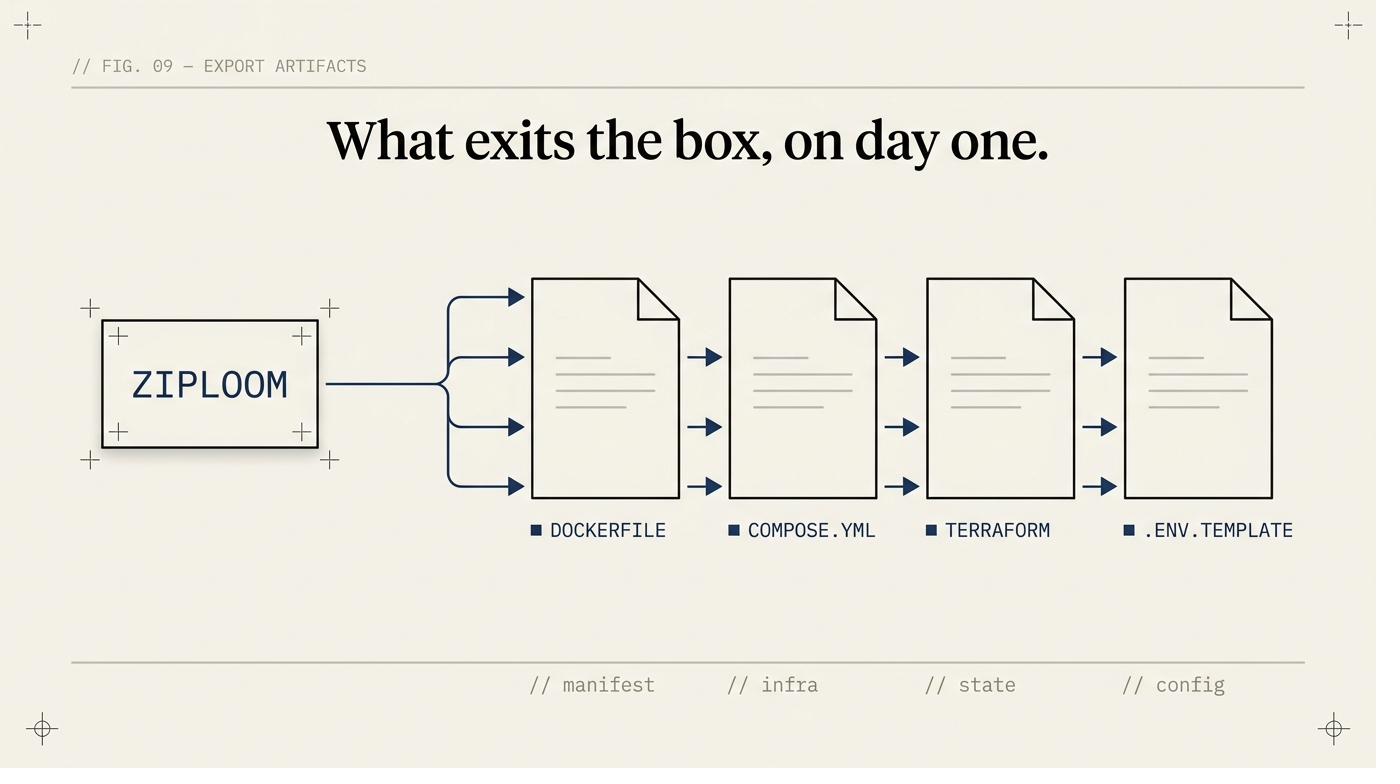
Self-Host Export
Download your Dockerfile, Terraform, and .env template any time. Leaving takes an afternoon.
Standard portable formats
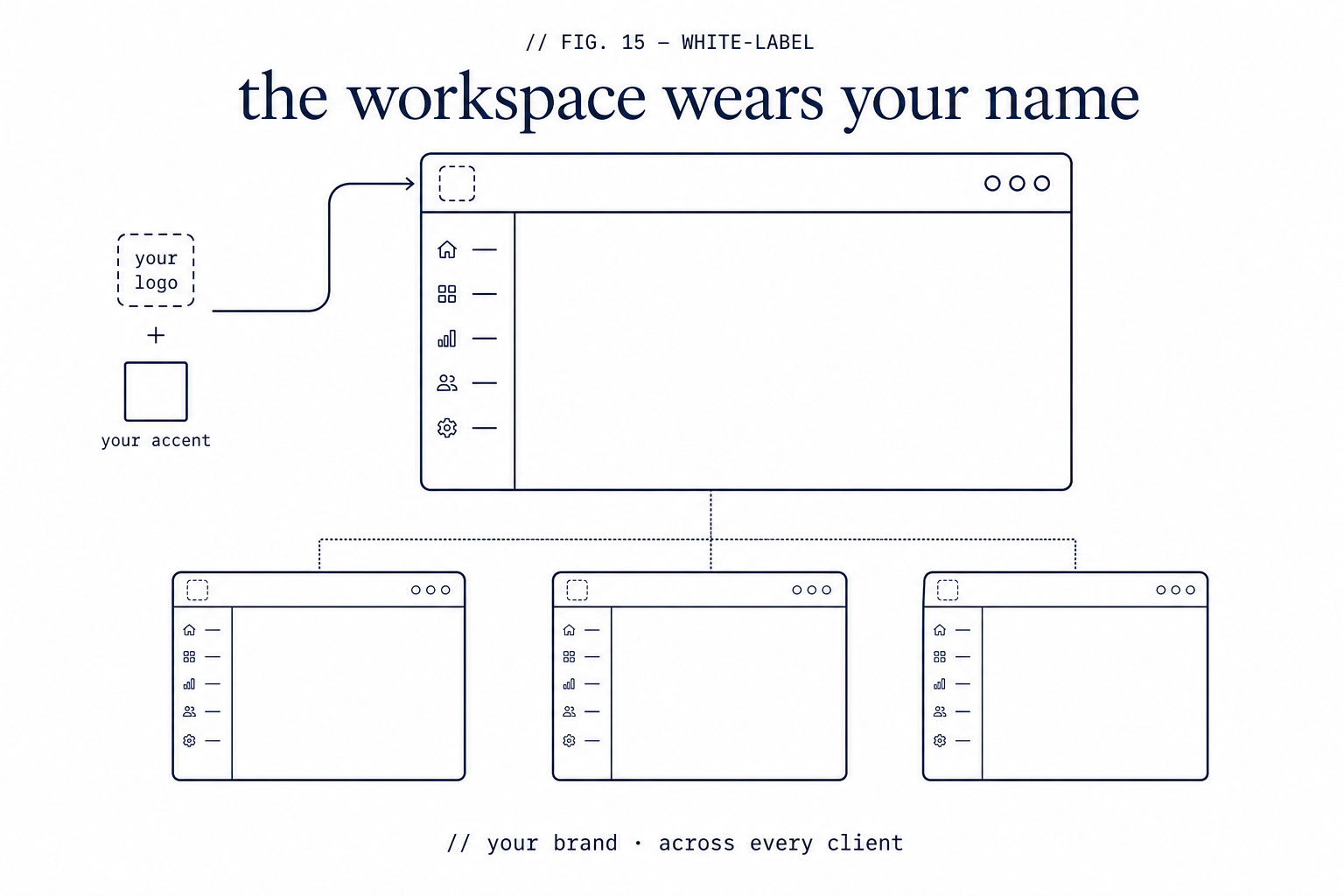
White-Label the Dashboard
Put your logo and brand color on the workspace your clients see.
Your logo, your color
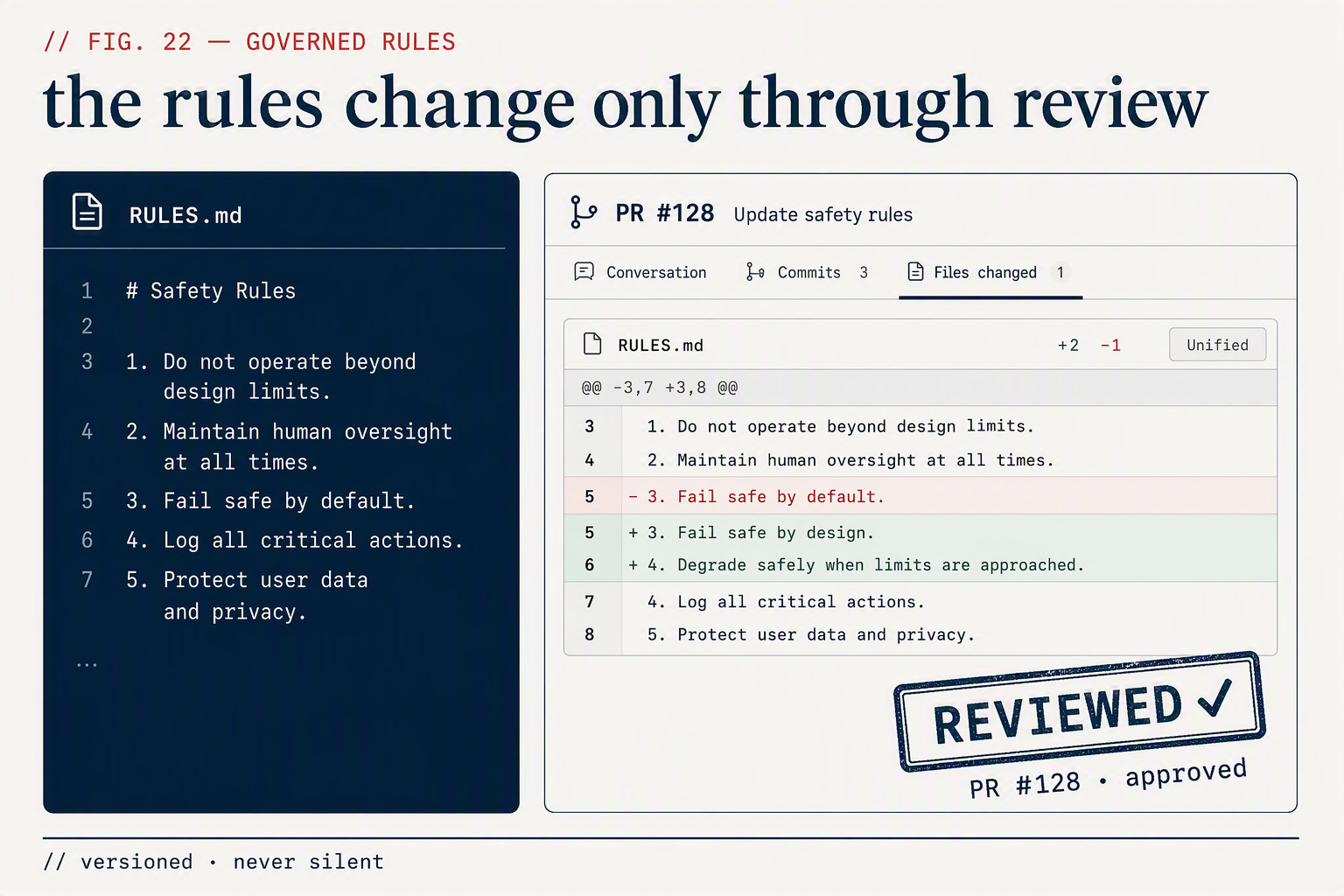
Governed Safety Rules
The rules that judge your code are versioned and change only through a reviewed PR.
Not a black box
What actually happens when you press deploy
Your code is scanned before anything is provisioned. Not after, not on a nightly job — before. Tables without row-level security, credentials sitting in files, dependencies carrying known CVEs, licence terms you did not intend to accept.
If it passes, the platform is configured for you and the app goes live on a real URL. If it fails, you get the finding and the file and the line, and nothing ships. That order is the entire product. A scan that runs after deployment is a report. A scan that runs before it is a gate.
Then it keeps watching. A health check runs against your production URL on a schedule. If the app goes dark, the previous working deployment is restored automatically and you are told what happened — you are not woken up to do it yourself at two in the morning.
Specifics, because “enterprise-grade” means nothing
AES-256-GCM
How stored credentials are encrypted at rest. Not hashed, not obfuscated — encrypted, with the key held outside the database.
Row-level security
Enforced on every table. Multi-tenant isolation is a database constraint here, not a WHERE clause someone has to remember.
Six checks, one order
Every deploy runs the same sequence. Not a configurable pipeline you can quietly disable when it is inconvenient.
Health checks on a schedule
Production URLs are probed continuously. Faster cadence on higher tiers — the exact interval is on the pricing page, and it matches what the scheduler actually runs.
Automatic rollback
A failed probe restores your previous working deployment. This is rollback, not restart: it puts back a deploy that worked.
Self-host export
Your code, your configuration, your database schema — exported and runnable elsewhere. The exit is built in, because a platform you cannot leave is a platform that can raise your price.
The thing nobody says out loud
The reason your app is still on localhost is not that the code is unfinished. It is that you cannot personally vouch for it, and putting your name on something you cannot vouch for is a specific kind of exposed that no amount of “it works on my machine” fixes.
You do not need to become a security engineer to ship. You need the check to have been run, and you need to be able to point at what it found.
What you get, and what it costs
Scanning, secrets vault, staged rollout, preview environments, roles and permissions, audit logs, automatic rollback and self-host export are included on every paid plan. What changes with tier is capacity — app installs, seats, workspaces, monitoring cadence — plus a few capabilities that only make sense higher up: bring-your-own AWS account on Business, white-label on Agency Pro.
Bring your own AI key on any plan, including Free. Most platforms in this category treat that as a premium feature. It is not one here, because your key means your provider bill and no meter of ours in between.
Flat monthly price. No per-request meter, no credits that expire, no invoice that arrives larger than you planned for because a page got popular.
Scan the repo you are already worried about
You do not have to take any of this on faith. Point ZipLoom at the project sitting on your machine right now and read what comes back.