security
Two-Factor Authentication
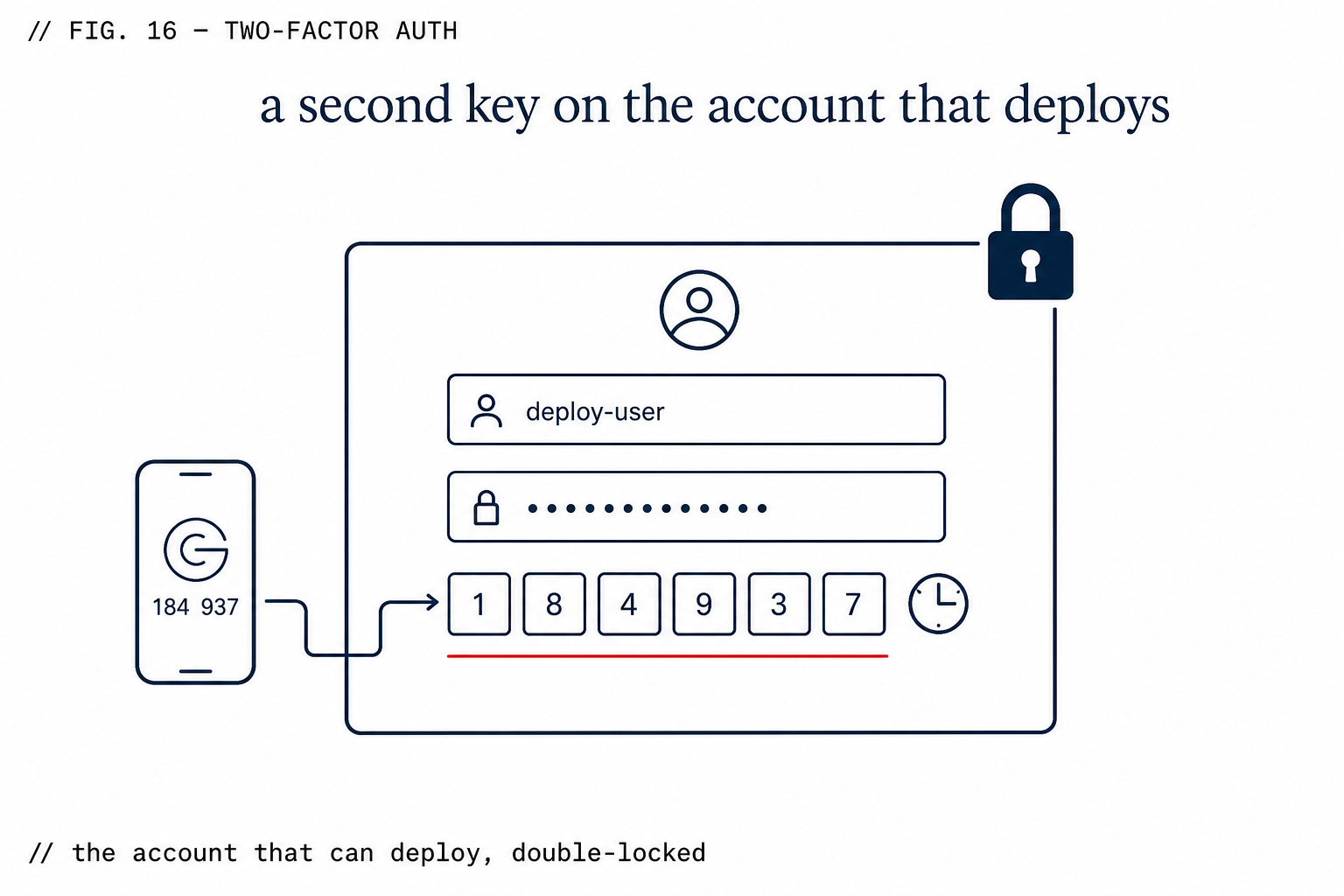
TOTP 2FA on every sign-in, before your code security even runs.
What you get
Works with any authenticator app
Standard TOTP (RFC 6238). Google Authenticator, Authy, 1Password, Bitwarden, Apple Passwords — any app that generates 6-digit time-based codes works. No proprietary app required.
Enforced at sign-in, not optionally enabled
Once enrolled, every sign-in requires the second factor. Not a setting users can quietly disable. The middleware checks Multi-Factor Assurance Level 2 (aal2) on every authenticated request.
Account security before code security
A compromised account bypasses every code-level security check. 2FA addresses the layer below the deploy scanner — it stops an attacker from reaching the deploy interface at all.
How enrollment works
- 1
Go to Settings → Security → Enable Two-Factor Authentication.
- 2
Scan the QR code with your authenticator app.
- 3
Enter the 6-digit code to confirm enrollment.
- 4
From this point, every sign-in requires your password plus a code from the app.
- 5
Recovery codes are generated at enrollment. Store them somewhere safe — they're the only way back in if you lose your device.
What this check inspects
Whether two-factor authentication is enforced on the accounts that can deploy.
Which members hold deploy rights, and whether those rights match their role.
Session and token settings for the deploy platform connection itself.
Audit records for who deployed what, and when.
What it means when this fails
Your deploy platform holds the keys to production. An account takeover there is worse than a bug in your code: it lets someone ship their code as you, to your users, on your domain — and the deploy looks entirely legitimate.
Questions
- Isn't 2FA on GitHub enough?
- GitHub protects the repository. The deploy platform is a separate account with separate credentials and its own path to production.
- Does this slow the team down?
- It's a one-time setup per person. Compared with recovering from someone else deploying to your production domain, it's nothing.
- What if a member loses their device?
- Owners can reset access for the organization; the audit log records the change.
What it replaces
Doppler Team
Dedicated secrets manager with SSO, RBAC, and rotation. Free for 3 users; separate from your deploy.
GitHub Advanced Security (both)
Code Security + Secret Protection together, per active committer.
Vanta
Compliance automation (SOC 2, ISO 27001). Audit fees are separate. Quote-based.
ZipLoom Solo — all 28 features included
Deploy, security scan, and monitoring in one flat price. Guild $40/mo · Studio $70/mo · Business $299/mo.
Related features