own
Self-Host Export
Download your Dockerfile, Terraform, and .env template any time. Leaving takes an afternoon.
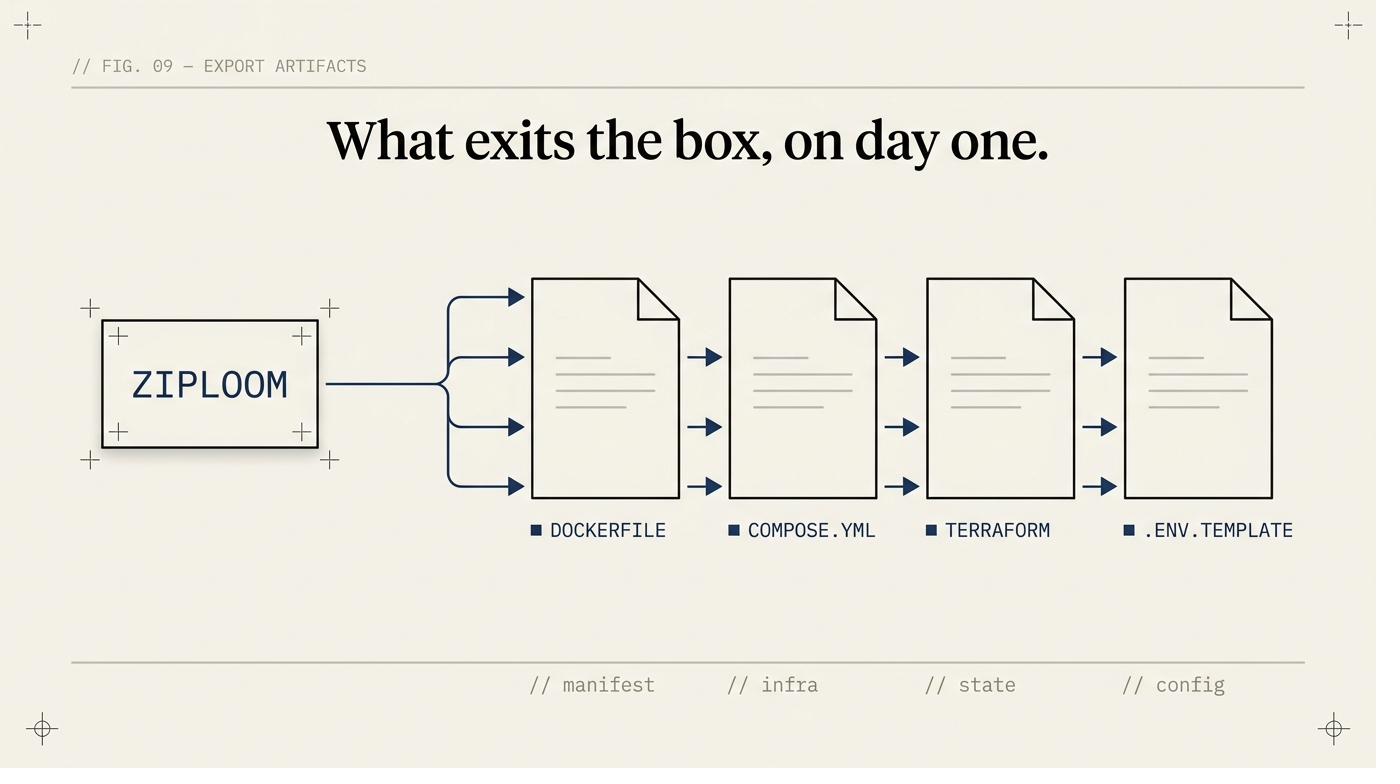
What you get
Standard portable formats
The export package contains: a Dockerfile using the official Node.js base image, a docker-compose.yml with Postgres and the app, a Terraform configuration for AWS ECS or similar, and a .env.template documenting every required variable.
Your data goes with you
The export includes a Postgres dump of your projects, deployments, and configuration. Standard SQL format, importable into any Postgres instance. We don't hold your data in a proprietary schema.
No negotiation required
The export is available in your settings at any time, on any plan. You don't need to contact support, open a ticket, or give 30 days notice. It's a download button.
How to export
- 1
Go to Settings → Export on any project.
- 2
Click 'Download export package'.
- 3
You receive a zip file containing: Dockerfile, docker-compose.yml, terraform/, .env.template, and a README with deployment instructions.
- 4
Follow the README to deploy on your own infrastructure.
- 5
Your app runs without any dependency on ZipLoom services.
What this check inspects
Your deploy configuration, in a form you can run without ZipLoom.
Environment variable structure (names and wiring, not the secret values in plaintext).
Build and runtime settings per service.
The platform configuration for wherever the app is currently deployed.
What it means when this fails
Lock-in is usually discovered at the worst moment — when you want to leave. Export exists so the answer to 'what happens if we stop paying' is 'we keep running', which is also the honest answer to a procurement question.
Questions
- What exactly do I get?
- The configuration needed to build and deploy your app yourself, on the platforms you already use.
- Do my deployed apps die if I cancel?
- No. They're on your platform accounts and stay live. You lose the scanning, monitoring, and self-healing, not the app.
- Is this a real export or a marketing line?
- It's a file you can inspect before you commit to anything. Try it during the trial.
Related features